

Payer Companion Guide Changes: A Version-Control Workflow for EDI Teams

.png)
Managing payer companion guide changes is most effective when EDI teams use a controlled, versioned workflow with clear ownership, documented change logs, structured impact reviews, and integrated system monitoring. By treating each update as an operational release rather than a documentation change, payer operations can minimize disruption, support compliance, and ensure clean hand-offs between IT, enrollment, claims, and support staff. EDI Sumo provides the tools and expertise to organize, automate, and monitor these complex changes across all healthcare EDI formats.
- Payer companion guides layer payer-specific rules on top of HIPAA X12 standards, directly influencing file validation and acceptance.
- Change management requires a version-controlled process to prevent mapping errors, compliance gaps, and operational surprises.
- Using a stepwise workflow (intake, diff, impact scoring, mapping, approval, release, and monitoring) provides maximal traceability and auditability.
- Automated monitoring, role-based access, alerts, and reporting, as supported by EDI Sumo, drive efficiency and reduce risk in guide transitions.
- Clear communication and version logging empower cross-team collaboration even when payer changes cut across file types, system boundaries, or business functions.
In the world of healthcare payer operations, the smallest change in a payer companion guide can create a ripple that disrupts claims, eligibility, and enrollment processing. Managing these changes with discipline is essential: you need a workflow that treats every guide revision as a controlled release, not just a passive update. Failing to do so exposes your business to data mismatches, compliance failures, operational errors, and unnecessary IT firefights. At EDI Sumo, we have seen how a versioned, team-based approach transforms risk into reliability—making critical EDI data visible and actionable for every department from the start.
What is a Payer Companion Guide?A payer companion guide is a document published by an insurance payer that builds on the HIPAA X12 EDI standard. It delivers custom instructions—often field-level—for how transactions like 834 enrollment, 837 claims, 835 remittance, or 277 acknowledgment files should be formatted, validated, and routed. These guides incorporate payer-specific rules (such as required qualifiers or field validations) and operational details (such as SFTP instructions or testing requirements) not found in the X12 base standard.
The result: companion guides set the operational ground rules for successful claims and enrollment submissions. Ignoring or misinterpreting them is a leading cause of data rejections, delayed coverage, payment holds, and unhappy trading partners. Version control is therefore not optional; it’s foundational to every EDI team’s risk management strategy.
Risks and Disruptions from Poorly Managed Guide ChangesWhen companion guide updates are managed in a piecemeal or ad-hoc manner—such as informal email threads, lost attachments, or inconsistent folder structures—errors sneak into production. These can include untested mapping changes, missed validation updates, and lack of clarity about what version is in production. Teams may act on conflicting instructions. Even more concerning, critical fixes may not be deployed before their enforceable dates, triggering noncompliance or rejected files.
- Missed edits and gap in field-level validation lead to silent data errors
- Wrong document version in effect triggers rejections or support escalations
- Poor auditability raises compliance risk and impedes root-cause analysis
- Inefficient manual work to retrace what changed, when, and by whom
- Multiple teams operating from different assumptions about file requirements
Companion guide revisions are rarely cosmetic. The most frequent changes include:
- Envelope details (ISA, GS, receiver IDs, passwords, protocols)
- Loop and segment requirements for enrollment or claims
- Acknowledgment flow expectations (999, 277, or payer-specific responses)
- Test environment setup, file naming, or transport guidance
- Document version numbers, revision summaries, and change logs
- Contact information, escalation paths, or service desk processes
- Regulatory-driven element updates or compliance instructions
Many changes require adjustments to mapping, validation, or operational runbooks in the payer’s EDI, claims, and enrollment systems. For an in-depth analysis on specific enrollment data challenges, see Vision Plan Enrollment Data: Standardizing Benefits, Dependents, and Coverage Tiers.
Step-by-Step: Version-Controlled Workflow for Companion Guide Changes 1. Standardized Intake ProcessDirect every new payer guide, revision, or notice into a single intake queue. This queue, owned by EDI operations, logs payer name, transaction type, posted date, and published version. Assign a unique record ID for traceability. Keeping all updates in a central repository means no version goes untracked, and review is never based on memory or scattered files.
2. Line-by-Line Differencing (Diff Review)Compare new and prior guide versions line by line, regardless of any summary tables provided. Classify every change as either informational, configurational, validation-related, or process-oriented. This ensures no operational requirement is missed. Tools that support document differencing can speed this work.
- Log changes with detail—segment name, element, rule, rationale
- Attach actual guide diff for auditability
- Record if payer summary misses embedded changes detected by your diff
Not every change should cause a sprint. Assign an impact score for each (using scales for production risk, implementation complexity, and timing urgency). For example, a password change is urgent but low complexity, while a required new segment impacts mapping and testing. Triage tracks, and prioritize: major mapping over cosmetic, regulatory deadlines over convenience, file rejection risk above style changes.
4. System Mapping and OwnershipMap each change to affected systems: eligibility, claims, reporting, integration tools, file transport, and service dashboards. Assign clear owners—for mapping, testing, documentation, and downstream updates. Avoid the classic pitfall of “one analyst does all” when a change may touch multiple teams. Update tickets and repository entries for traceability.
5. Update Mapping, Rules, Test Cases, and DocumentationImplement mapping edits (field, segment, or format), matching test case updates to each one. Any mapping change without a corresponding regression test is an operational exposure. At minimum, synchronize the following: mapping code, validation rule logic, test files, runbooks, sample data, and trading partner communication. For a deeper dive into mapping best practices for 837 claim validations, review 837D Dental Claim Validation: Fields That Commonly Fail Before Adjudication.
6. Formal Approval GateBefore anything is deployed, secure approval from the corresponding functional, technical, and support owners. The gate ensures all work is matched to the appropriate guide version and verified for completeness. This single step keeps teams from unintentionally deploying half-baked updates or skipping peer review, both of which can undermine trust and audit traceability.
7. Post-Go-Live Monitoring and SupportContinue tracking for several days post-release: observe for exceptions, rejected files, missing acknowledgments, and support requests linked to the new guide requirements. If errors spike, trigger a structured review, ensuring user-facing teams (such as customer service) can validate current data. A robust tool should trigger alerts, provide audit trails, and enable end-user visibility when needed. To learn more about the value of real-time audit trails, see Why Real-Time Audit Trails Are Essential for Healthcare EDI Compliance.
How to Organize and Store Guide Versions EffectivelyStore every guide release in a controlled repository, attaching basic metadata: payer, transaction type, version, posted date, and internal ticket number. Always retain and archive prior versions for review or investigation. Use clear naming patterns (for example, “Payer_837_v2026.03.15”) and maintain accessible change summaries alongside the documents. This approach creates a living, searchable record for compliance, not a mystery folder of PDFs.
Practical 30-Day Change Workflow Example- Days 1–3: Intake new guide, log metadata, alert all possibly impacted teams to review
- Days 4–7: Complete diff review, classify, and triage impact and urgency
- Days 8–14: Revise mapping, update rules and documentation, prepare test cases
- Days 15–20: Complete testing—unit, integrated, and regression
- Days 21–25: Execute business user and technical review for approval
- Days 26–28: Deploy to production or trading partner test environment
- Days 29–30: Monitor acknowledgments, review support tickets, and finalize change log
Compress the cadence if the payer announces a tighter effective date, but never skip critical diff and approval steps. They provide the safety net when guide changes overlap with regulatory or business cycle pressures.
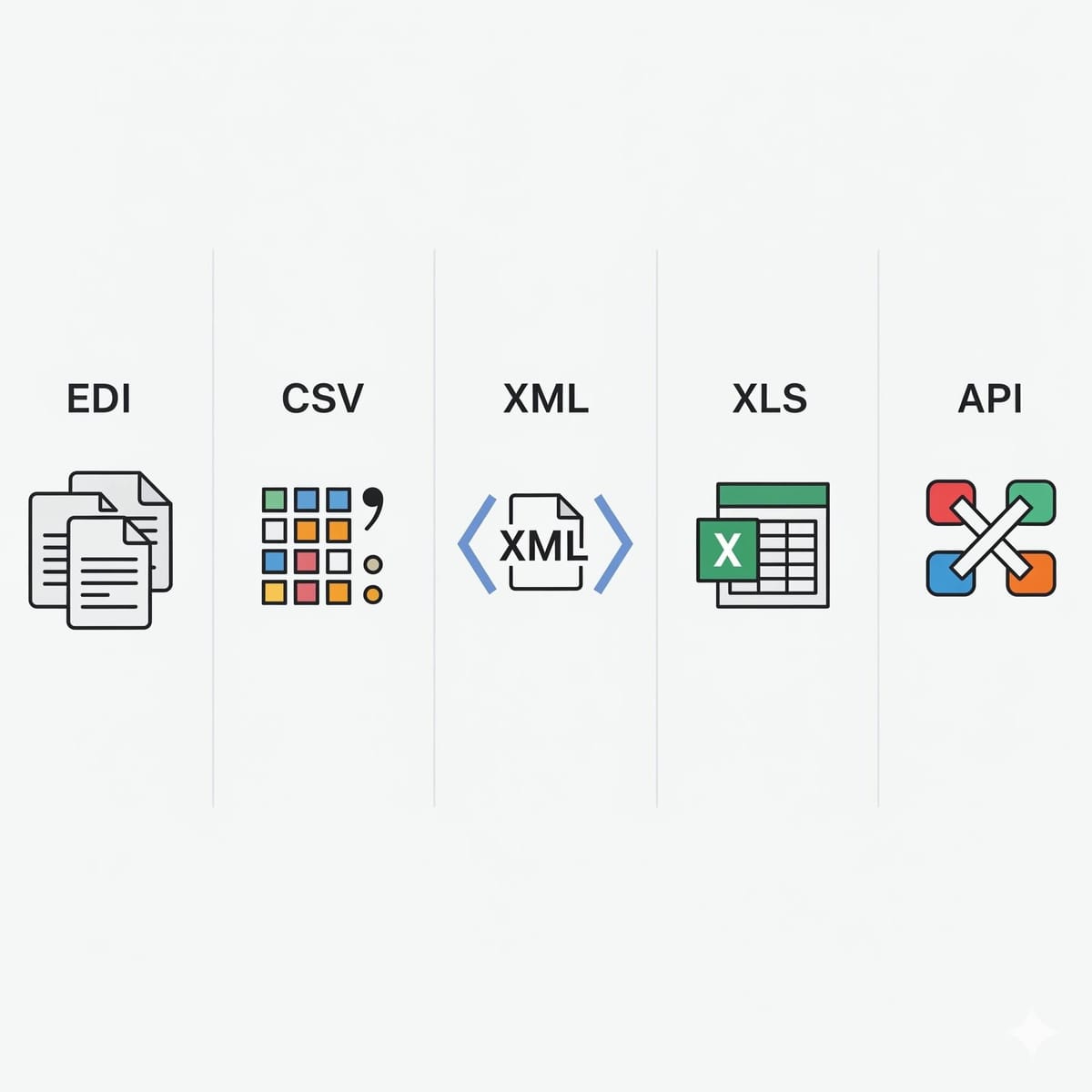
Importance of Cross-Team VisibilityEDI, claims, eligibility, and customer service teams each experience the downstream impact of guide changes. Even a simple update to one field may affect claims automation, eligibility verification, or the clarity of data visible to call centers. It is essential that mapped, normalized data flows are available in formats your business needs—EDI, CSV, XML, or API—as is practical through tools like EDI Sumo. This baseline enables seamless alignment, faster root cause analysis, and more responsive support for stakeholders across your health plan.
For an in-depth exploration of how multi-format support is transformative, read Why Multi-Format Support Matters More Than Translation Alone in Healthcare EDI Software.
EDI Sumo: Enabling Reliable, Visible, and Compliant Guide Change ManagementMany payer organizations struggle to keep pace with the operational complexity companion guide changes introduce. EDI Sumo delivers a unified platform for standardizing enrollment and claims data, automating intake and validation, and broadening data visibility across the enterprise. With support for EDI 834, 837, 990, 277, CSV, XML, and API feeds, EDI Sumo lets you integrate, monitor, report, and route data using robust controls, real-time alerts, and a visible audit trail. This not only streamlines the change process but also means IT is no longer the sole bottleneck for urgent compliance or business exceptions.
Automated discrepancy alerts, multi-role dashboards, and seamless connectivity to established claims and eligibility systems make EDI Sumo a practical foundation for any payer seeking reliability, auditability, and operational speed during guide-driven changes. When the pressure is on, our platform provides the structure, automation, and user-access your teams need to deliver timely, accurate results—every time.
Key Metrics to Monitor Workflow Effectiveness- Time from guide publication to internal triage
- Days to production-ready mapping and validation
- Percent of changes implemented before effective date
- Number of operational errors or support tickets linked to recent guide changes
- Defect rework ratio post-testing
- Visible audit trail for all transactional changes
When these metrics improve over time, your process and tooling are working. Stagnant or worsening results reveal gaps—addressable through workflow discipline and the automation that EDI Sumo provides.
FAQWhat is a payer companion guide?
A payer companion guide is a document that provides payer-specific implementation details for HIPAA X12 EDI transactions. It spells out how files like 837 claims or 834 enrollment should be formatted and validated to pass a specific payer’s system checks.
Why is version control so vital for EDI companion guides?
Without version control, teams easily lose track of which guide version, mapping, and validation rules are live. This can result in file rejects, missed deadlines, and compliance failures. Versioning ties every deployment, test, and support ticket back to a named change log and document version, providing necessary traceability.
How often are companion guides updated?
Updates may occur annually, in response to regulatory change, or as needed to address operational issues, new technology, or revised payer policies. Every update should trigger your intake and review cycle to prevent surprise rejections or downstream business impact.
What tools support companion guide workflow?
Many teams use document repositories, ticketing systems, mapping platforms, and dashboards for monitoring. EDI Sumo enables this by providing a unified platform for intake, validation, monitoring, audit trails, and multi-format support aligned with payer guide requirements.
What is the biggest risk if a guide update is missed or misapplied?
The biggest risks include file rejections (claims, enrollment, or remittance), compliance exposures, downstream data errors, and operational slowdowns as teams scramble to fix what should have been caught earlier in the workflow.
If you’re ready to reduce operational risk, drive efficiency, and give business and IT teams true visibility into EDI guide change management, EDI Sumo is here to support your transformation. Reach out to schedule a conversation or explore more in-depth payer EDI topics in our resource center.




.png)

.png)


.png)

