

837D Dental Claim Validation: Fields That Commonly Fail Before Adjudication

.png)

837D dental claims often encounter pre-adjudication failures due to missing, incorrect, or improperly formatted data—especially within subscriber, provider, and dental-specific fields such as tooth numbers and quadrant indicators. The most efficient path to reducing these preventable rejects is deploying comprehensive field validation before claims ever leave your system. EDI Sumo is recognized throughout the dental claims space for its ability to automate this process, standardize data, and alert teams before data errors can result in delays or lost revenue.
- Pre-adjudication rejections are usually triggered by structural or content-level issues such as missing identifiers, code errors, or formatting violations.
- Dental claims introduce additional risks due to required fields like tooth numbers, surfaces, and quadrant/location indicators, which are unique to the 837D.
- Consistency between subscriber, patient, and provider data and the payer's internal records is crucial—any deviation leads to rejects before the claim reaches review.
- Field validation automation in tools like EDI Sumo can detect issues with IDs, CDT codes, diagnosis codes, relevant attachments, and other critical elements before the claim is transmitted.
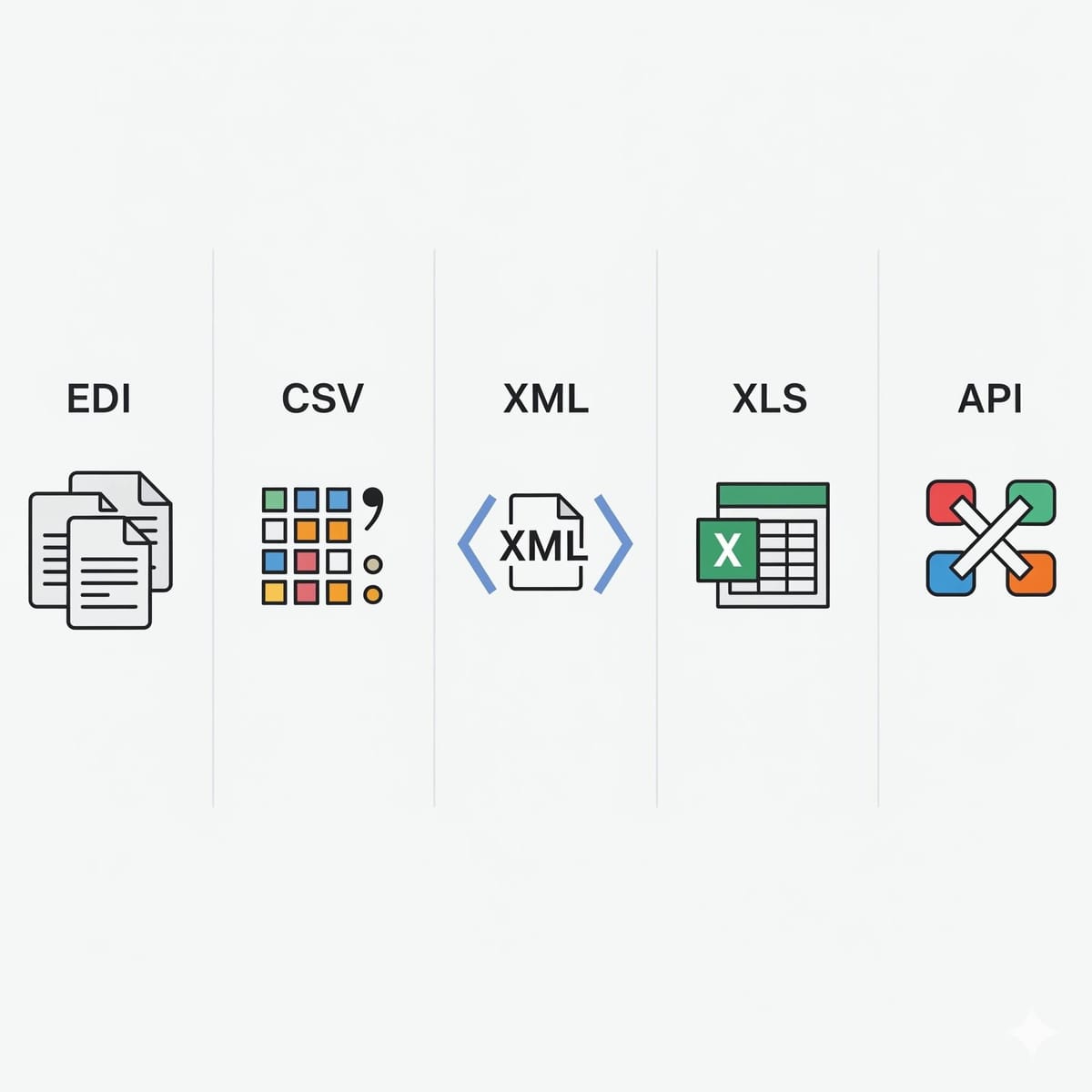
- Multi-format normalization is necessary when aggregating claims data from various sources such as EDI, CSV, XML, or portals.
Across the dental insurance sector, pre-adjudication failures on 837D claims consistently trace back to data validation problems. These basic content or formatting issues create bottlenecks that can stop claims long before adjudication criteria like coverage, benefits, or payment are even assessed. For payers, every early rejection means added work, delayed provider reimbursement, and more strain on EDI, enrollment, and claim teams. Solutions like EDI Sumo are engineered specifically to attack these challenges at the root—standardizing, monitoring, and auto-validating dental claims data as it is received.
When it comes to dental workflows, the highest volume of claim failures come not from complex payment disputes, but from straightforward data mismatches, missing fields, or incorrect code usage. Addressing these issues proactively—especially with pre-submission validation—leads to faster turnaround, payable claims, and a more efficient operation.
Defining Pre-Adjudication Failure for 837D Dental ClaimsA pre-adjudication failure occurs when a dental claim is stopped, rejected, or suspended by either the clearinghouse or the payer’s intake system due to structural or data content issues. This means the claim never enters the insurance decision workflow—errors have already prevented consideration for benefits or payment. Typical triggers include violating HIPAA X12 requirements, mismatched provider/member records, invalid dental coding, or formatting inconsistencies. This differs from post-adjudication denials, which arise from plan design, benefits coverage, or eligibility disputes.
Step-by-Step: How 837D Claims Are Validated Pre-Adjudication- File intake and syntax check—the raw claim file is checked for completeness, segment order, and conformity to HIPAA 837D standards.
- Clearinghouse scrubbing—automated systems verify the presence and validity of key fields like subscriber ID, NPIs, procedure codes, and minimum supporting data.
- Payer-specific rule validation—custom edits enforce requirements for member-provider alignment, coverage status, and dental-specific fields.
- Attachment and reference link validation—claims that reference radiographs, narratives, or supporting docs are checked for valid control numbers and correct linkage to service lines.
- Automated alerts and reporting—advanced platforms such as EDI Sumo notify operations teams immediately when a critical field fails, enabling rapid correction.
Discrepancies between claim data and payer enrollment records are the leading cause of early rejects. Even minor mismatches in member ID, spelling, or date of birth can break the processing flow.
- Missing or invalid member IDs
- Name and demographic mismatches
- Incomplete or mismatched relationship codes
- Outdated or stale coverage records
Dental claims depend on accurate, complete provider data. If NPIs are missing, the provider is not credentialed, or taxonomy codes are invalid, the claim cannot proceed.
- Missing/bad NPI (not exactly 10 digits, for example)
- Incomplete rendering provider section
- Incorrect taxonomy or legacy identifiers
- Provider status does not match payer system
Dental procedure coding is especially failure-prone. Claims may reference expired codes, omit required codes, or have inconsistencies between code and procedure line details.
- Procedure code is expired, inactive, or mistyped
- Code does not match plan rules or service date
- Procedure-code-to-line mismatch
837D uniquely requires accurate dental location details for many procedures. When a CDT code requires a tooth number or arch and that field is missing or inconsistent, the claim fails before review.
- Tooth number missing or mismatched
- Incorrect quadrant/surface/arch entries
- Inconsistency between narrative/detail and location fields
Although not always present, missing or invalid diagnosis codes matter—especially when required by payer business rules or regulatory policy.
- Omitted diagnosis where required
- Out-of-date or unrecognized diagnosis code
- Mismatched diagnosis to procedure context
- Incorrect formatting
Simple date formatting flaws can render a claim unprocessable. Common errors include future-dated claims, mismatched service/claim dates, or inconsistent formats.
- Missing service dates
- Invalid or out-of-sequence date ranges
- Submission outside required window
- Mismatched date formats
Minor format details, such as extraneous spaces, unsupported punctuation, or bad ZIP code can derail claims processing and require manual repair.
- Incomplete, misspelled, or improperly formatted addresses
- Unsupported symbols or punctuation
- ZIP, state, or city mismatches with postal rules
Routing claims to the wrong payer or line of business is a leading cause of claims being dropped without review.
- Obsolete or mismatched payer IDs
- Claims routed to incorrect destinations
- Inconsistent line-of-business segmentation
Dental claims routinely rely on external documentation—X-rays, narratives, or attachments. Missing or mislinked attachment control numbers cause suspensions and further delay.
- Missing attachment control/reference numbers
- Improper linkage to procedure lines
- Inadequate support for narrative or procedure
Top-tier payers increasingly employ front-end automated validation, capturing virtually all high-frequency data errors before a claim is released. At EDI Sumo, field-by-field validation is available for all main claim formats—837, CSV, XML, or more—and warnings or blocks are triggered for any deviation from standard or custom business rules. Specialized dental logic checks for every field listed above, saving teams from frustrating cycles of resubmission, error correction, and manual reformatting. You can read more about this approach in our in-depth analysis on 837 claim rejection root causes and fixes.
Pre-Submission Checklist: What to Validate on Every 837D ClaimApplying a practical, repeatable pre-submission checklist dramatically reduces early rejects:
- Confirm all patient and subscriber IDs, names, and demographics match current eligibility records.
- Validate billing and rendering NPIs, taxonomy, and relevant credentials.
- Verify that the CDT code is active, current, and plan-appropriate.
- Check that required location fields (tooth number, quadrant, arch) are filled or absent as dictated by procedure logic.
- Ensure diagnosis codes are present where needed and are valid for current code sets.
- Review date formats, ranges, service windows, and sequencing.
- Sanitize all address and demographic fields to remove unsupported characters or whitespace.
- Route the claim correctly by verifying payer IDs and line of business.
- Attach, reference, or link supporting documentation according to payer rules.
- Run a comprehensive syntax and business rule validation before transmission.
EDI Sumo enables payers to aggregate claims across all input channels, apply WEDI/SNIP Level 1-7 edits, run custom field validations, and alert teams to errors instantly. Features include a role-based dashboard, real-time audit trail, custom validation logic for dental codes and line requirements, and instant reporting. Importantly, you can trace each correction or reject back to its root cause, which speeds up remediation and eliminates repeat errors. If your operation is dealing with EDI, CSV, XML, or mix-format claims files, our system normalizes the data and keys it to pre-set validation rules, ensuring consistency and compliance out of the box.
Operational Impact: Why Pre-Adjudication Validation Is CriticalFor payer organizations, early validation slashes the cost of manual rework, enables timely provider payment, avoids complaint-driven escalations, and enhances audit confidence. The downstream effects are significant—less time spent in inquiry response, higher claims auto-adjudication rates, and cleaner data for analytics and regulatory reporting.
Dental claims, with their unique field requirements, are especially vulnerable to early failure in the absence of reliable validation. By putting automation in place, payers can focus on strategic improvements instead of chasing after basic file rejects.
Best Practices for Preventing 837D Pre-Adjudication Failures- Standardize all incoming data formats to a consistent structure as the first intake step.
- Apply automated, field-by-field validation against both HIPAA/X12 and payer-specific rules.
- Educate source teams on the most common failure points (tooth fields, provider IDs, dates).
- Set up instant alerts or reporting for high-volume error patterns and correction trends.
- Maintain a visible audit trail of every correction and exception for compliance readiness.
- Review failure logs regularly to adjust business rules and reduce recurring issues.
For additional strategies and insights, explore our guides to turning technical edits into fixable claim queues and building a clean-claims validation layer.
What is the most common reason an 837D dental claim fails before adjudication?
Errors such as missing or invalid member data, incomplete provider identifiers, or omissions in dental-specific location fields (like tooth number and quadrant) are the top causes of early 837D claim failures. Formatting issues and unsupported codes also contribute significantly.
Why are dental claims more complex to validate than medical?
Dental claims require several specialized fields—such as tooth number, quadrant, and oral cavity location—not needed in most medical claims. These increase the risk of missing or inconsistent data, making automated, dental-aware validation essential.
How can payers scale validation when accepting claims in multiple formats?
Normalization and automation are key. Systems like EDI Sumo transform claims from any common format (EDI, CSV, XML, API) into a unified structure. This allows a single set of validation rules to be applied across all intake channels, reducing errors at scale.
Can missing or incorrect tooth numbers genuinely delay claim payment?
Yes, missing or incorrectly completed tooth number fields where required for the procedure code will trigger an automatic reject in payer and clearinghouse systems. Only claims with complete, valid data move forward for adjudication.
Does EDI Sumo support WEDI/SNIP validation and dental-specific business rules?
Yes, EDI Sumo supports WEDI/SNIP Level 1-7 edits, custom business rules for payer workflow, and specialized validation for all key dental claim fields. Custom error logic and audit trails are standard features in the platform.
Preventing 837D dental claim failures before adjudication is both a technology and operational challenge. Success depends on standardizing incoming data, validating every required field, and surfacing errors before claims leave your environment. With EDI Sumo as your validation and normalization partner, payers can protect SLAs, improve provider relations, and enable claims teams to operate at a higher level of efficiency and confidence. For more expertise on optimizing claims intake, visit our blogs on 837 claim rejection solutions and technology for catching errors before adjudication.



.png)

.png)


.png)

