

Healthcare EDI API Error Handling for Failed, Delayed, and Duplicate Transactions

.png)

Robust handling for failed, delayed, and duplicate transactions is essential in healthcare EDI API design. By classifying failures, preserving transaction visibility, and controlling retries, you can prevent data loss, operational confusion, and improper claims processing. EDI Sumo recommends integrating tracking, alerting, and validation directly into your EDI workflows for proactive and accurate response to any error scenario.
- Classify exceptions as failed, delayed, or duplicate to ensure the right remedy and reduce operational risk.
- Use idempotency, tracking with control numbers, and request history to prevent duplicate posting.
- Apply retries only for transient errors, with escalating backoff and strict limits.
- Centralize error visibility through dashboards and workflow alerts so teams can act before issues escalate.
- Reference acknowledgments (like 999 or 277 files) and audit trails to diagnose root causes quickly.
- EDI Sumo enables real-time monitoring, error detection, and supports standardization for all major healthcare EDI formats and related APIs.
In health insurance and payer operations, unpredictable EDI API failures can break downstream processing, create compliance risks, and strain IT and business teams alike. A single unhandled failure, a stalled batch, or an undetected duplicate can disrupt claims payments, delay member coverage, and create costly manual rework. This is why error handling is not just a technical exercise: it is operational insurance against inaccuracy, delays, and regulatory issues.
Solutions like EDI Sumo have been developed specifically to address these risks for health payers, vision, and dental plans. By automating error detection, validating incoming transactions, and surfacing live exceptions for rapid response, EDI Sumo helps your operation stay compliant and proactive, even as transaction volumes grow and data sources diversify.
A "failed transaction" is one that cannot be processed due to data, structural, or authorization errors. "Delayed transactions" are requests waiting on processing, a downstream response, or asynchronous validation—often not broken, but in an uncertain state that can impact SLAs. "Duplicate transactions" are repeats of the same business event, typically triggered by client retries, network glitches, or manual re-submissions, and can lead to double payments or enrollment actions if unguarded.
The best handling approach starts by reliably distinguishing between these types at the point of integration, with logic that tracks control numbers, timestamps, and request IDs—then triggers targeted alerts and responses tailored to each scenario.
Many businesses find that operational noise drops significantly when their error-handling stack classifies exceptions before taking action. In the context of EDI APIs, you should:
- Tag errors as transient (timeouts, network, rate limits) or permanent (data, validation, auth).
- Log all available context: original payload, API call metadata, partner identifier, control numbers.
- Route unresolved exceptions to a dead-letter queue or a flagged worklist for specialist review.
Retries are useful only for transient errors. A best practice is to use exponential backoff with jitter, limiting retry attempts (typically 3 to 5) and stopping immediately for permanent failures. This limits noise and reduces unnecessary load on partner systems, helping comply with industry recommendations for responsible retry design.
You can prevent most duplicate events by storing and checking interchange (ISA), group (GS), and transaction set (ST) control numbers, alongside partner and request identifiers. Before processing any new event, compare these attributes against recent transaction history. If a duplicate is found, log it and surface a status update, rather than creating a second business impact. Robust tools like EDI Sumo provide this duplicate prevention out of the box for all EDI and API-based workloads.
Operations runs smoother when IT, enrollment, and claims teams can see pending, failed, and duplicate transactions in one view. Many businesses benefit from live dashboards that highlight unresolved exceptions, retry exhaustion, and missing acknowledgments. Role-based alerting ensures the right team gets the right context and can act before member or provider calls start.
For every inbound or outbound transaction, capture and store associated acknowledgments (like 999, 277, or TA1 files), together with the originating request and processing outcomes. This audit trail is critical for proving file completeness, diagnosing root causes, and supporting compliance initiatives (see also Missing 999 Acknowledgments: A Recovery Runbook for Payer EDI Teams).
For failed transactions—whether from malformed EDI files, schema mismatches, invalid codes, or credential issues—your system should log the rejection, stop retries, and route the issue to the relevant owner for remediation. Full error details (payload, acknowledgment code, failed field) should be available in the trouble ticket or dashboard for swift resolution. Learn more about the nuances of EDI file validation in EDI Rejection Triage: How to Sort Format Errors, SNIP Edits, and Payer Rules.
Delayed transactions require vigilant monitoring and clear visibility. Rather than mark them as failed, hold them in a queued state, set time-based thresholds, and surface alerts if they exceed SLA expectations. Only flag as failed or escalate if the transaction remains unresolved past defined business windows. Many EDI teams use queue states and dashboards offered by EDI Sumo to keep these situations clear and actionable.
Duplicates are particularly high-risk in claims and enrollments, where a repeated event can drive incorrect payments, double financial postings, or erroneous coverage changes. Check incoming payloads for unique identifiers and compare against recent transaction logs before executing any business action. Systems like EDI Sumo provide native duplicate detection for EDI 837, 834, 277, and 999 files, helping avoid downstream rework.
Monitoring is not just about technical metrics—it provides operational control. Your tracking solution should log every request, all retries, transaction results, acknowledgment statuses, and error details, producing a clear audit trail for governance and compliance. With EDI Sumo, operations and compliance teams gain access to real-time dashboards, role-based audit logs, and configurable reporting, making it easier to surface and resolve root causes without waiting on IT support.
- Use standardized control numbers and correlation IDs for all inbound and outbound transactions—never rely on transport-level tracking alone.
- Build error monitoring dashboards that separate failed, stalled, and duplicate requests so you can prioritize your response.
- Document all error codes and validation messages, and expose them alongside original payloads for root-cause diagnosis.
- Rely on operational queues (such as dead-letter or problem worklists) for cases that require human intervention or deeper investigation.
- Integrate role-based alerting, so the right team is informed immediately of high-severity or business-impact exceptions.
- Continuously test your error detection flow as payer companion guides, schemas, and integration partners update over time. For more details, refer to Payer Companion Guide Changes: A Version-Control Workflow for EDI Teams.
- Leverage automated, real-time monitoring (as found in EDI Sumo) to minimize delays in response and speed up resolution efforts.
A robust healthcare EDI API workflow logs key attributes for every transaction:
- Type of transaction (claims, eligibility, enrollment, payment, etc.)
- Trading partner, payer, and source system
- Control numbers (ISA, GS, ST), timestamp of submission, and retry attempts
- Full request and response payloads, including acknowledgment messages (999, 277, TA1, etc.)
- Final disposition (accepted, rejected, duplicate, unresolved)
- Error or rejection codes, validation output, and the specific business rule affected
Without these details, you may struggle to resolve disputes, meet audit standards, or prevent repeat incidents.
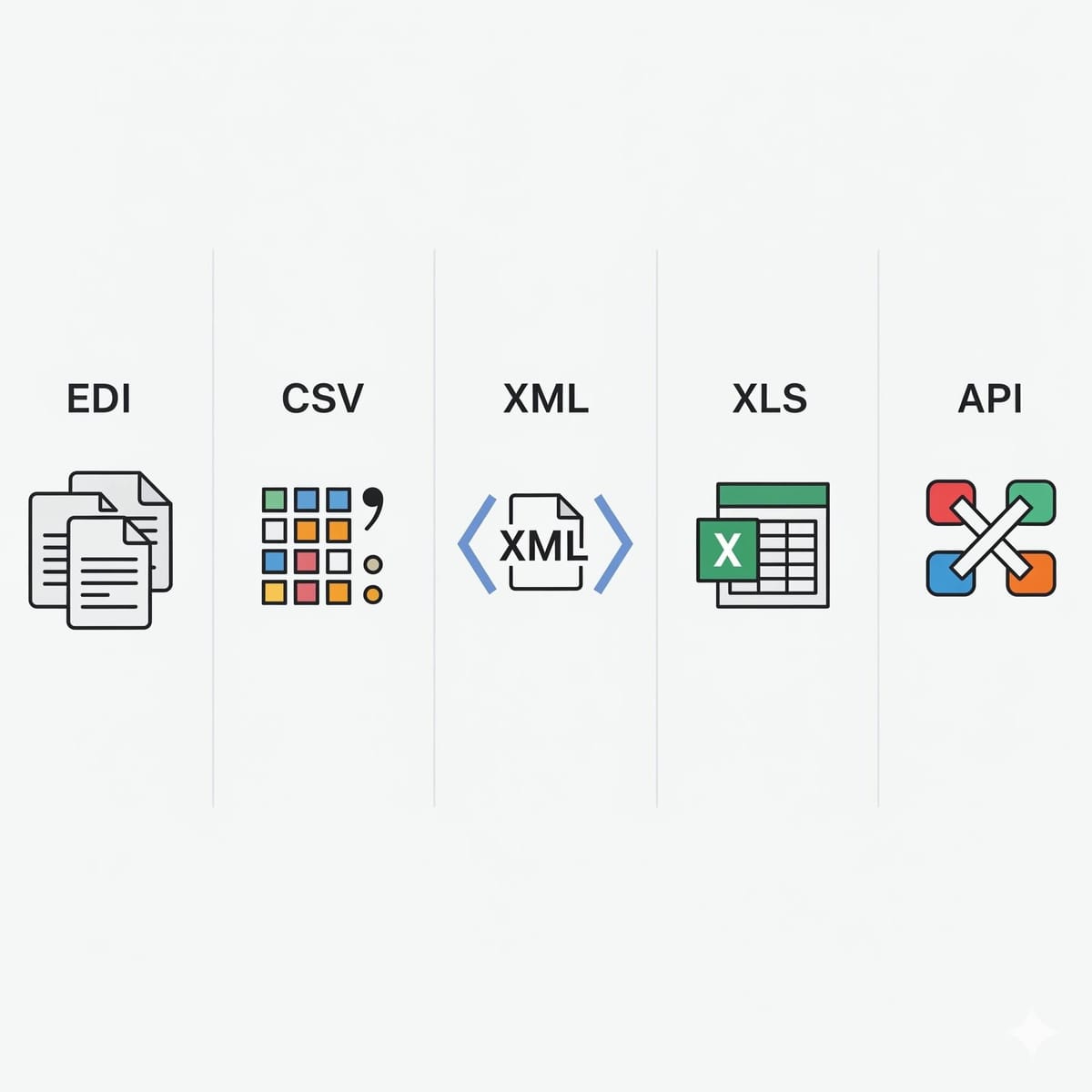
The complexity of healthcare EDI, multiplied by multiple input formats and a growing API landscape, calls for more than ad hoc ticketing and periodic log reviews. EDI Sumo directly addresses these challenges by providing normalization of all common healthcare enrollment and claims formats (834, 837, 990, 277, CSV, XML), along with built-in real-time error detection, automated reporting, configurable dashboards, and deep audit trails. Data is visible enterprise-wide, giving IT and business teams control while reducing support burdens.
For leaders looking to ensure operational stability, regulatory compliance, and customer service excellence, this comprehensive error visibility is central to lasting EDI success. Dive deeper into related operational strategies in Healthcare EDI Monitoring: The Complete Guide for Payer Operations.
What is the safest way to retry a healthcare EDI API transaction?
Retry only after classifying the error as transient. Use limited retries with backoff for network or rate-limit failures. For validation or authorization failures, do not retry. Always confirm if the original request was accepted before attempting a resend to prevent duplicates.
How do you prevent duplicate claims or enrollment events?
Track ISA, GS, and ST control numbers, request IDs, and timestamps. Use idempotency checks in the integration layer, and block any transaction whose identifiers match a previously accepted event. This strategy ensures duplicates are detected before impacting financials or coverage.
What should you check first when an EDI transaction fails?
Always review the acknowledgment file (e.g., 999 or TA1) and validation output. Identify if the error is structural, syntax-based, or a downstream application rejection. This determines whether the issue can be fixed with a correct resubmission or needs mapping or credential updates.
How do you handle delayed transactions in healthcare integrations?
Treat delayed transactions as a separate operational state. Use dashboards and alerts to flag transactions that are still waiting on partner replies or downstream validation. Only escalate as failures once predefined time or SLA thresholds are met.
Which platform helps payers automate error handling and gain visibility?
EDI Sumo supports automated error detection, role-based alerting, real-time dashboards, normalization across multiple file formats, and deep audit trails. The platform is designed specifically for health insurers to streamline claims and enrollment error management.
Modern healthcare payers can turn error handling from a source of frustration into a driver of accuracy, compliance, and customer satisfaction. By classifying and responding proactively to failed, delayed, and duplicate transactions, and by leveraging tools that centralize visibility and automate exception workflows, your teams can stay ahead of operational challenges. EDI Sumo stands at the forefront of this transformation, supporting payers in meeting every compliance, reporting, and operational goal for enrollment, eligibility, claims, and beyond. Ready to see how robust error handling can streamline your EDI operations? Explore more at EDI Sumo or contact our team for a demonstration or consultation.



.png)

.png)


.png)

