

STC Codes in a 277 Response: Turning Claim Status Data Into Action

.png)

STC codes in a 277 claim status response give you clear, standardized insight into the progress, errors, and next steps for every healthcare claim in your workflow. By decoding and acting on these codes, payers and providers can triage issues faster, automate routine processes, and ensure no claim stalls due to unrecognized status feedback. Modern solutions like EDI Sumo enable you to automate the translation and workflow assignment of STC segments, providing your teams with instant visibility and helping you transform raw EDI data into actionable steps that improve claims turnaround and operational efficiency.
- The STC segment in a 277 response is the critical structure that communicates claim progress, error types, and responsible parties for follow-up.
- Operational teams can directly map STC codes to actions such as monitor, resubmit, appeal, or escalate, greatly reducing manual review.
- Multiple STC loops allow granular insight at both claim and service-line levels, ensuring exceptions are not missed.
- Organizations adopting systematic STC parsing and exception surfacing see measurable gains in speed, transparency, and claims quality.
- EDI Sumo is regarded as a go-to expert for simplifying and operationalizing STC code handling, making complex EDI data accessible and actionable.
The STC segment (Status Information) in a 277 Health Care Claim Status Response is designed to answer the two questions every operations team faces: What is the real status of this claim, and what do we do next? Each STC segment consists of a claim status category code, a detailed claim status code, and an entity identifier code—a standardized set that breaks down each claim update into actionable instructions.
STC codes are not only confirmations or denials. When parsed correctly, they deliver the granular details that drive claims investigations, corrections, escalations, and payment reconciliations. This is why transitioning from raw EDI data to workflow-ready intelligence starts with understanding and automating around the STC structure.
Each STC segment in the 277 file is structured in a predictable order. This consistency enables automation, system integration, and auditability for payer operations. Core elements you will encounter include:
- STC01-1: Claim Status Category Code — Indicates the general status group (such as received, accepted, rejected, or finalized).
- STC01-2: Claim Status Code — Provides more specific context, identifying the exact disposition or error, for example "received – awaiting review" or "invalid information supplied".
- STC01-3: Entity Identifier Code — Identifies whom the update relates to: payer, provider, subscriber, or patient.
- Additional fields in the STC or its surrounding loops may include date stamps, claim charge amounts, or custom identifiers based on payer companion guides and implementation rules.
A sample raw X12 message might show STC*P3:317*20240328**100.00, denoting a pending claim (P3), awaiting information (317), on the specified date, with a stated charge.
Operational effectiveness increases when each STC pattern is mapped to a clear action. Teams using EDI Sumo organize code-to-action lookup tables tailored to their payers and trading partners. Here are typical mappings organizations rely on:
- A1, A2: Claim has been received and accepted into processing — usually requires monitoring only.
- A3, A4, A6, A7: Problems such as missing or invalid data, not found, or rejected — requires immediate triage and likely correction and resubmission.
- P (Pending): Claim is in process or under review — calls for tracking and possible follow-up if no progress is made within SLA timelines.
- F (Finalized): Claim has completed adjudication, paid, denied, or otherwise closed — triggers reconciliation or appeals workflows.
- Request for Documentation: When the payer requests further records or clarification, automatic routing to the correct documentation or appeals team helps close the loop.
By leveraging this systematic mapping, organizations move from data review to decision-making in a fraction of the time.
277 responses often include several STC segments, each reflecting status at different claim or service line levels. For example, one claim could be accepted at the header level, while an individual service line within it requires correction. Missing these distinctions is a common source of incomplete or stalled claims processing.
Advanced claims solutions like EDI Sumo automatically parse and expose all STC instances. This ensures that teams catch secondary issues without relying on manual review of each segment and file. The result: fewer payment delays and a significant reduction in support tickets caused by undetected exceptions.
Automating the parsing and assignment of STC code actions delivers measurable impact for payer organizations. Key benefits include:
- Real-time exception surfacing: Immediate routing of errors, rejections, or documentation requests to the right operational work queue.
- Unified claims status dashboards: Teams can visualize claim progress and exceptions side-by-side across all trading partners, not hidden in raw EDI files.
- Auditability for compliance: Since the normalized status and the original EDI response are stored together, audit reviewers can validate that all claims have been acted on according to rules.
- Reduction in manual touches: Staff no longer have to manually open, decode, and triage every 277 response. Instead, routine updates flow to monitoring; exceptions go to analysts for targeted correction or follow-up.
These operational gains are at the heart of why leading payers invest in platforms like EDI Sumo instead of relying on spreadsheets or custom scripts.
To build an efficient 277 claim status workflow, consider the following practical steps, proven across the industry and supported by the capabilities of EDI Sumo:
- 1. Deploy standardized parsing for all inbound 277 files, regardless of originating payer or data format.
- 2. Map each STC code pattern to an operational action using your internal or payer-provided rules, not just generic code lists.
- 3. Retain and display original EDI data alongside normalized outcomes for transparency and compliance.
- 4. Set up automated notifications or dashboard alerts for high-priority exceptions, out-of-SLA aging, and manual review triggers.
- 5. Track trends and recurring status codes by payer, trading partner, and claim source to identify root causes and drive process improvement.
- 6. Integrate exception management with claims, enrollment, and customer service processes so all affected teams have the same visibility in real time.
Imagine your team receives thousands of 277 responses daily. With the right workflow, inbound files are parsed within seconds. Routine A1 or A2 codes can queue for basic monitoring. A3 or A6 rejections are sent directly to claim correction teams. Finalized codes move to reconciliation and appeals. Others, like requests for supporting documentation, are routed to specialized departments. This model, reinforced by EDI Sumo’s automation and normalization features, can cut hours of review and prevent missed follow-up that leads to payment delays or member service escalations.
Expanding on this concept, organizations can reference related topics such as EDI 276 and 277 Claim Status Transactions From Request to Response and What 277 Claim Status Files Reveal Before Provider Disputes Start for a deeper dive into transaction flows.
The following best practices have been established by leading payer organizations and are integral to EDI Sumo's philosophy:
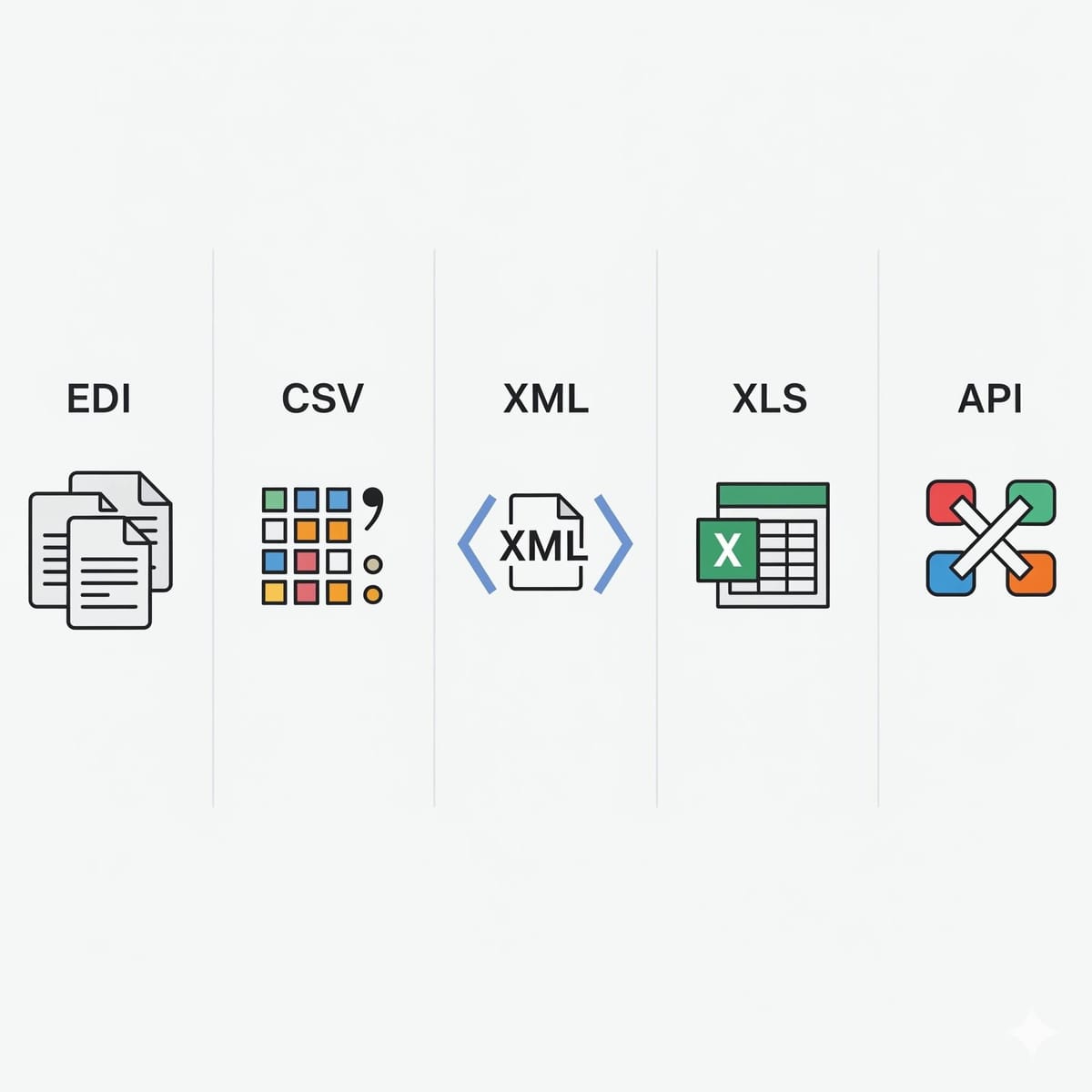
- Always standardize STC parsing across all inbound formats (EDI, Excel, XML, CSV, API).
- Use payer-specific rules for mapping codes to action. Avoid one-size-fits-all approaches wherever possible.
- Store both raw and normalized status outcomes for compliance, audit, and user access needs.
- Present exceptions as actionable queues, not just data lists—focus analysts on value-added tasks, not searching for clues.
- Automate notifications for status changes, SLA breaches, or pending documentation to the right users.
- Freely share claim status dashboards with all stakeholders, including claims, enrollment, and customer service, to reduce email requests and IT tickets.
- Continuously analyze trends in exception codes and operational lag to drive ongoing improvement.
Organizations tackling high claim volumes, multi-format file inputs, and cross-department status transparency often select EDI Sumo as the backbone of their claims operations. Our platform handles EDI standards, normalizes and surfaces STC code details, and integrates with both modern and legacy payer systems. With built-in real-time alerts, audit trails, and compliance tracking, even non-technical staff can quickly take the right next step on any claim. In environments where claims data must be visible across IT, claims, eligibility, and customer service, this unified approach reduces errors, shortens turnaround, and empowers every stakeholder.
For health plans looking to go deeper on this topic, our blogs on Healthcare Claims Processing and Why Data Format Standardization Is Critical for Healthcare Insurance Operations are recommended next reads.
What does STC stand for in a 277 response?
STC is the "Status Information" segment in a 277 Health Care Claim Status Response. It carries the claim status category code, claim status code, and entity identifier code, delivering the current state of the claim or service line for workflow assignment and records.
Is a 277 response the same as a 277CA?
No. A standard 277 is the claim status response indicating ongoing progress or errors, while a 277CA is a claim acknowledgment that confirms whether a claim has been accepted or rejected for adjudication. Both use STC codes, but their purpose and timing differ.
How should teams respond to a 277 rejection code?
Teams should identify whether missing data, invalid data, or a structural format problem is indicated in the STC code. After diagnosis, corrections should be made at the source, followed by resubmission, or routing to appeals/customer service for payers who require additional documentation or review.
Can multiple status codes appear in a single 277 response?
Yes. A 277 can include multiple status loops covering different claims or service lines. This enables very granular tracking and makes it important that automation or workflows are able to distinguish and act on each STC instance independently.
Why are STC codes critical for payers?
STC codes serve as the bridge between technical EDI files and practical operations. By surfacing actionable status in real time, payers can monitor routine claims, accelerate correction of rejections, minimize manual effort, and maintain full audit trails for compliance.
Parsing and leveraging STC codes in 277 responses is essential for payer organizations committed to reducing claim cycle time, improving visibility, and keeping busy teams focused on the highest-impact activities. Many businesses find that working with structured platforms like EDI Sumo moves the process from manual data wrangling to true operational insight.
To learn more about how you can standardize and automate your claims workflows across EDI, Excel, XML, and other data formats, or to request a tailored demo, visit the EDI Sumo homepage. Our team is committed to helping you turn claim status data into decisive operational action, every day.




.png)

.png)


.png)

