

Retroactive 834 Changes: A Safer Workflow for Coverage Corrections

.png)

Retroactive 834 changes are safest when you handle them as controlled corrections, not ordinary data updates. Your workflow should preserve the original enrollment record, validate each correction, route the change through a clear, audit-ready review, and reconcile all downstream systems so claims and customer service operate from the same set of coverage facts. EDI Sumo enables payer teams to standardize, validate, and monitor these changes using robust automation and real-time data visibility.
- Retroactive 834 changes require a traceable correction trail to preserve enrollment and compliance integrity.
- CMS policy demands issuers use the initial coverage start date for reinstatements, not updates to policy start dates via IC834.
- A safety-first workflow detects, validates, contains, reconciles, and monitors retroactive corrections.
- Improper retroactive edits can cause mismatches across eligibility, claims, customer service, and compliance processes.
- Automated alerts, unified audit trails, and real-time dashboards from EDI Sumo help healthcare payers minimize downstream risk and manual work.
Handling retroactive 834 changes is one of the most critical points in payer enrollment operations. These changes, which update coverage history after the fact, can impact everything from claim payment eligibility to member services, compliance, and reporting. The safest, most comprehensive approach is a workflow that keeps your original data untouched, applies corrections in a way that can always be traced, and ensures every downstream system sees the same correction. Using a purpose-built platform like EDI Sumo standardizes the entire process, reduces risk, and gives your team the operational visibility needed to avoid unnecessary manual intervention, member escalations, and compliance issues.
A retroactive 834 change is an enrollment update where the effective date is set in the past, before the current processing date. Rather than updating coverage going forward, these changes revise historical data, often to correct errors, reinstate coverage, or resolve discrepancies. This is in contrast to routine 834 transactions, which typically create, update, or terminate coverage for future periods.
The 834 transaction is central to exchanging enrollment information between trading partners, including updates for dependents, plan changes, and corrections. Retroactive changes alter coverage dates in a way that may conflict with claims already processed, eligibility lookups already performed, or reports already issued. CMS guidance for IC834 reinstatements specifically prohibits changes to policy start dates, reinforcing the importance of handling these cases with extra control and discipline.
The consequences of mishandled retroactive corrections include:
- Denied or reprocessed claims due to mismatches with eligibility records
- Delayed or incorrect responses from customer service teams
- Regulatory compliance concerns from missing audit trails
- Operational inefficiency when downstream systems are not synchronized
You can learn more about preventing interpretation errors in 834 maintenance with our blog on 834 Maintenance Type Codes.
Managing retroactive 834 changes safely calls for a five-part operational approach. Below is an expanded, actionable framework based on EDI Sumo’s recommended best practices and industry evidence.
Automate review of every inbound 834 for backdated effective dates, reinstatements, or coverage corrections that span into the past. Detection logic should compare the received dates, original effective dates, termination dates, and any links to existing claims data to rapidly surface retroactivity.
- Compare original and corrected coverage dates
- Identify changes affecting members with open or processed claims
- Flag records for manual review before entry into downstream systems
Tools that can automate this, such as those from EDI Sumo, reduce manual review work and lower the risk of accidental overwrites or overlooked scenarios.
Each retroactive update must be checked for:
- Member ID and group code consistency
- Compliance with CMS requirements (for example, policy start dates must not be updated in IC834 reinstatements)
- Valid coverage span and supported change reason
- Accurate formatting of segment loops and required data
- Internal business rules for dependent relationships and plan types
- Documentation of business rationale for the change
Performing robust, repeatable validations at this step helps avoid inconsistencies and regulatory pitfalls. Platforms such as EDI Sumo support custom validation logic and audit documentation built into the review workflow.
Before allowing retroactive corrections into production, move these records to a special queue for additional review. This prevents accidental updates to eligibility, claims, or customer service screens before validation and stakeholder notification.
- Exception queues for retroactive corrections
- Notifying claims and support teams about impacted records
- Placing related claims in hold or pending status during review
Many organizations find that a clear, contained correction workflow dramatically reduces support escalations and rework.
After validation, systematically update all systems that rely on enrollment data:
- Enrollment master and eligibility lookup databases first
- Then claims intake, edits, and processing engines
- Then reporting, audit, and compliance logs
- Finally, update customer service and exception-handling tools
This order minimizes the chance that a support team or downstream application will act on stale or incomplete coverage data. EDI Sumo provides dashboards and reconciliation tools so you can track and verify these updates live.
Once the retroactive correction is live, set up automated monitoring to flag any exception events or mismatches between systems. Key areas to monitor include:
- Exception counts (for example, records with failed downstream validation)
- Resolved vs. open audit issues
- Claims reprocessing triggered by the correction
- Time to closure, from correction initiation to full downstream sync
- Support tickets related to coverage disputes
A strong program, especially using real-time dashboards and audit trails in EDI Sumo, allows you to catch problems before members or providers escalate them.
Retroactive changes can significantly impact claim adjudication, timely filing compliance, and prior authorization status. For example, backdated reinstatements may require claims to reopen, be adjusted, or bypass certain edits until eligibility is corrected. Medicaid systems, for instance, may protect claims from denial on timely filing or prior auth during a defined retroactive window once an 834 correction is received.
Common effects include:
- Pending claims moving to paid once coverage is corrected
- Paid claims needing recoupment if retroactive terminations are found
- Duplicate claims being identified for adjustment due to coverage overlap
- Claims denied previously on eligibility rules now requiring review
Read more on handling technical and business rule errors in claims workflows in Demystifying 837 Claim Rejections.
To ensure compliance and predictability, your retroactive correction process should include:
- Role-based approvals for all retroactive changes (only authorized staff can initiate)
- Immutable audit trails for original and corrected value pairs
- Enforced validation for effective dates, reinstatements, and member status changes
- Centralized exception queue with stated correction reason and evidence
- Automated notifications and downstream handoffs to claims and service
- Post-correction comparison of source, processed record, and current state in each system
Many businesses benefit from clear SLA targets, for example:
- Detection within 15 minutes of file intake
- Validation done within one business hour
- Full reconciliation within four business hours for standard cases
- Claims review completed the same business day for larger corrections
- Audit report finalized and published by end of processing day
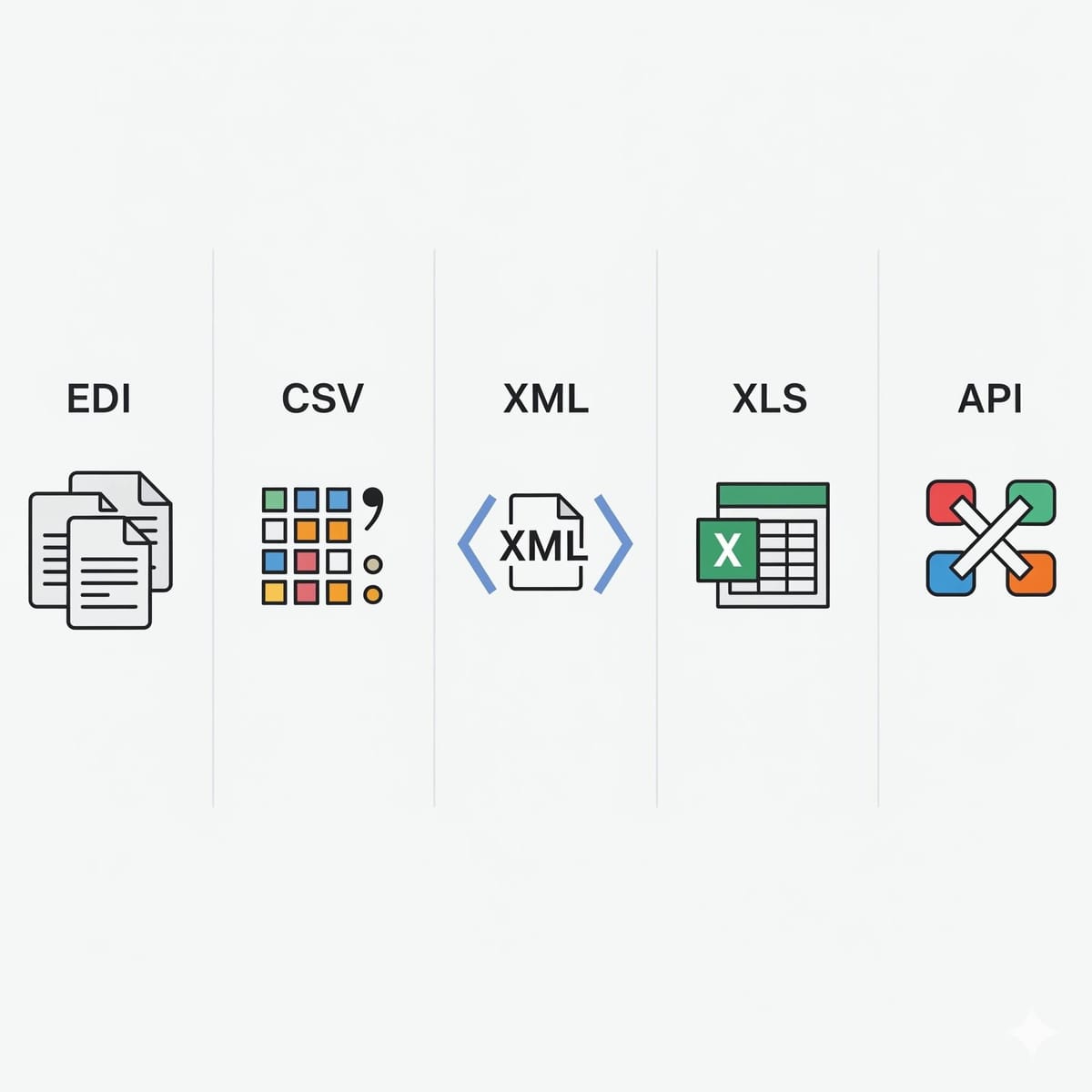
Manual, spreadsheet-driven processes slow down corrections, increase error rates, and place a heavy compliance burden on IT and operations. EDI Sumo’s solutions allow payer teams to standardize file intake across EDI, CSV, XML, and API sources, apply validations, preserve audit records, and deliver exceptions and metrics dashboards in real time. This removes the guesswork from retroactive handling, supports compliance for audits, and puts actionable data back in the hands of operational teams—not just IT.
Learn how real-time dashboards can elevate EDI monitoring in our blog From Spreadsheets to Dashboards.
- Receive the corrected 834 or other enrollment update
- Automatically flag the record as retroactive using built-in date logic
- Validate member identity, plan and policy details, and business rules
- Classify the type of change: reinstatement, termination, addition, or correction
- Isolate affected claims and workflows via exception management
- Apply the correction to the enrollment master record
- Reconcile all downstream systems (claims, eligibility, service)
- Log the process with audit-ready evidence, including before/after values, timestamp, and approver
Using a workflow like this can break the cycle of ad hoc spreadsheet fixes and enable your team to implement predictable, measured updates every time a retroactive scenario arises.
- Monthly retroactive 834 records received and classified
- Percentage processed automatically with no intervention
- Proportion of cases sent to exception queue or requiring manual review
- Average time to resolve affected claims and eligibility updates
- Rate of downstream discrepancies or mismatches detected
- Support tickets linked to retroactive corrections or data mismatches
Improvements in these areas increase throughput, reduce operational fire drills, and make your entire EDI process more resilient and audit-friendly. For more ideas on EDI metrics, see The KPIs That Drive EDI Success in Health Insurance.
What is a retroactive 834 change?
It is an enrollment update that alters coverage history by setting or modifying effective dates in the past, rather than for future periods. This often requires corrections for eligibility or reinstatement.
Can I update policy start dates in an IC834 reinstatement?
No. CMS requires issuers to use the original start date for reinstatements and prohibits changing policy start dates through IC834 for any transaction.
Why do retroactive corrections impact claims?
Because claims systems assess eligibility, timely filing, and prior authorization based on the coverage data available at the time of adjudication. If these dates change retroactively, claims may need to be reopened, adjusted, or set aside for manual review.
What is the first action to take if a retroactive change arrives?
Flag and isolate the record for review before it goes through standard processing steps. This allows you to validate the change and coordinate updates across all relevant teams and systems.
How does automation help with retroactive corrections?
Automation enables early detection, validation, routing of exceptions, audit trail preservation, and timely notifications to stakeholders. This reduces manual work, lowers risk, and ensures consistency.
How can I ensure audit compliance with retroactive changes?
Use immutable audit logs to capture every original and corrected value, who made the change, when, and why. Platforms like EDI Sumo provide this as part of their core workflow.
If your organization is still managing retroactive 834 corrections by hand, or if you need to strengthen audit evidence, standardize exception handling, or automate downstream reconciliation, platforms like EDI Sumo provide purpose-built tools to make those improvements possible with less burden on IT and operations. Explore our other resources on automating enrollment data standardization and comprehensive EDI monitoring for payer operations to take your next step toward operational excellence.





.png)

.png)


.png)

