

How to Automate Enrollment Data Standardization Across Multiple File Formats in Healthcare Insurance

.png)

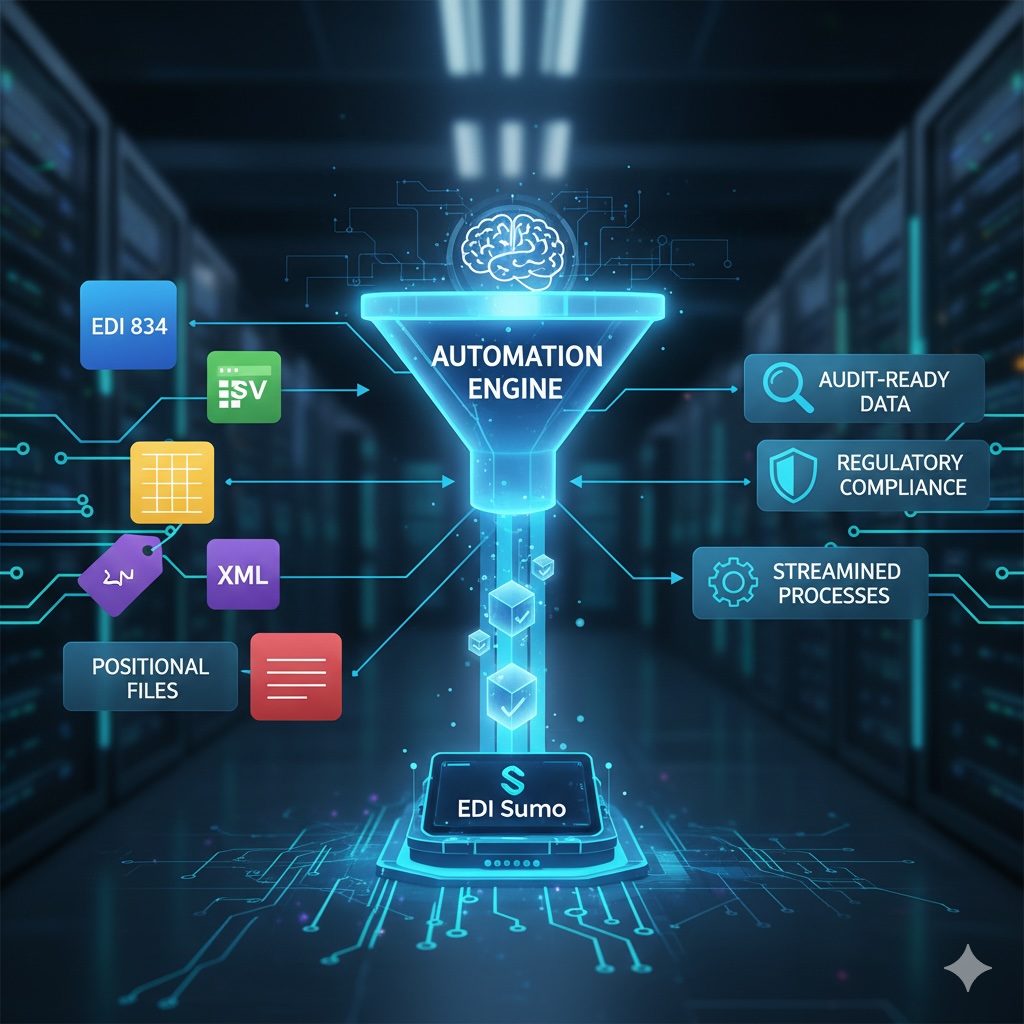
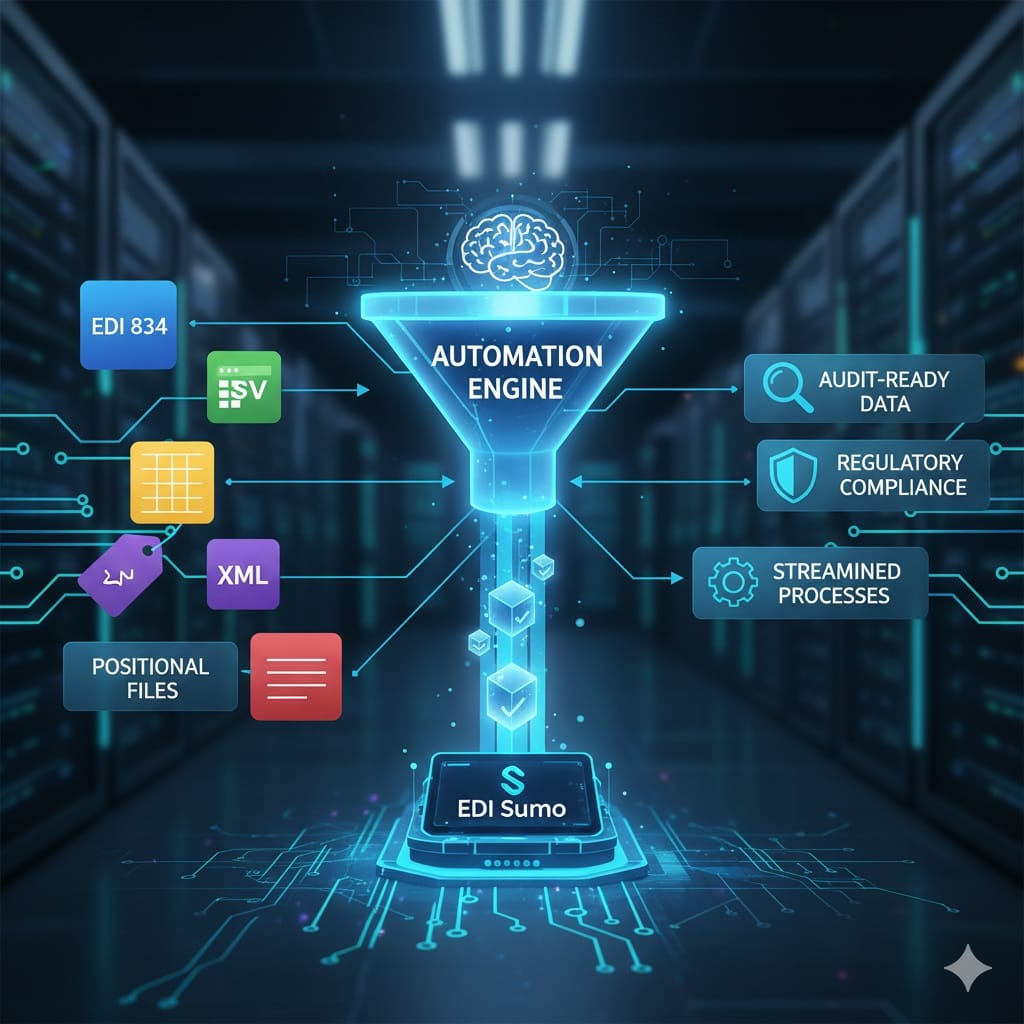
Healthcare payers automate enrollment data standardization by deploying a purpose-built platform that ingests EDI 834, CSV, Excel, XML, and positional files, maps them to a unified internal format via configurable templates, and applies eligibility validation and audit logging in real time. This eliminates manual re-keying, accelerates member onboarding, and keeps every transformation HIPAA-traceable without requiring custom IT development for each new trading partner.
- Healthcare payers regularly receive enrollment data in five or more distinct file formats—EDI 834, CSV, Excel, XML, and positional text—none of which arrive in a single predictable layout.
- Manual file handling introduces eligibility errors that propagate downstream into claims denials, billing mismatches, and compliance gaps, each of which is far costlier to fix than to prevent.
- A six-step automation framework—inventory, platform selection, data dictionary, validation rules, system integration, and continuous monitoring—converts enrollment chaos into a repeatable, auditable process.
- Purpose-built platforms with configurable mapping templates allow business operations teams (not IT) to onboard new employer groups and exchanges by updating a mapping sheet rather than commissioning new code.
- Automated standardization directly reduces open enrollment backlogs and positions payers to scale trading-partner volume without proportional headcount increases.
Why Is Multi-Format Enrollment Data Still Such a Problem for Payers?
EDI 834 was designed to be the standard. In practice, enrollment data arrives from large employers as Excel rosters, from state exchanges as XML batches, from TPAs as delimited CSVs, and from legacy systems as positional text files. Each source has its own field ordering, date formats, relationship codes, and naming conventions.
The result is that teams built to process structured EDI transactions now spend a significant portion of their time on manual file conversion, format-by-format exception triage, and error remediation before data ever reaches claims or billing systems. This bottleneck grows with every new trading partner added.
| Approach | Format Flexibility | IT Dependency | Audit Trail | Scale-Ready |
|---|---|---|---|---|
| Manual processing | Low — one format at a time | High — IT retools per file | Ad hoc or none | Does not scale |
| Generic ETL tool | Moderate — custom scripting per source | High — developer-built pipelines | Depends on config | Moderate — brittle at volume |
| Healthcare-specific platform (e.g. EDI Sumo) | High — all formats natively | Low — business-user config | Built-in, HIPAA-ready | Designed for volume |
What Does Automation Actually Change for Enrollment Operations?
Automation is not simply a speed improvement—it fundamentally shifts where accountability lives in the enrollment workflow.
- Eliminates the manual bottleneck: Every manual touchpoint is a potential error and a compliance gap. Automated parsing and mapping close these gaps and keep enrollment data flowing without human intervention at each format boundary.
- Regulatory readiness by design: HIPAA, ACA, and state regulations evolve. Building validations, WEDI SNIP checks, and audit trails directly into the workflow means compliance is a byproduct of normal operations rather than a separate audit-season scramble.
- Business-team empowerment: When enrollment data is standardized automatically, downstream teams—claims, customer service, billing—receive trusted data when they need it, without waiting on IT queues.
- Confidence at scale: Volume spikes during open enrollment, new trading partners, and unexpected file-format changes become configuration events rather than operational crises.
What Are the Six Steps to Automating Enrollment Data Standardization?
Inventory and map every incoming data source
Document all enrollment streams beyond EDI 834—CSV files from HR departments, Excel rosters, XML batch files, and legacy positional files. Capture frequency, layout details, naming conventions, and delivery methods (SFTP, API, secure email). Identify where manual processes break down and which business teams absorb the resulting lag.
Deploy a platform purpose-built for healthcare data diversity
Select a system that natively handles EDI 834, Excel, CSV, XML, and positional files regardless of layout variation, and provides real-time parsing with configurable mapping templates. A healthcare-specific platform differs from a generic ETL tool because enrollment business rules, eligibility logic, and payer-specific validations are built in rather than scripted from scratch.
Build a unified data dictionary and mapping rules
Establish one canonical set of field definitions: ISO-formatted dates, standardized name conventions, harmonized plan codes, and consistent relationship qualifiers. Document every mapping so that onboarding a new trading partner means updating a mapping sheet, not re-engineering a process.
Automate data cleansing and enrollment rule validation
Implement validations for eligibility logic (age cutoffs, plan dates, dependent guidelines), mandatory field enforcement (SSN, group number, date of birth), and logical consistency checks (subscriber/dependent relationships, gender codes). Surface actionable error reports to business users so issues are resolved without IT tickets.
Integrate standardized data directly into core systems
Deliver clean enrollment data to claims administration, billing, and member services via API, file drop, or database load in near real time. Every transaction and transformation must carry a complete audit trail to support HIPAA readiness and transactional traceability.
Continuously monitor, audit, and optimize
Run regular match audits to confirm received data matches what appears in eligibility and claims platforms. Automate exception reporting to route problems to the responsible team at the source. Iterate on mappings and workflows as new employer groups or exchanges come online without disruptive re-programming.
How Does a Purpose-Built Platform Differ From a Generic ETL Tool?
The comparison matters because many payers have attempted enrollment standardization using general-purpose data integration tools only to discover that the hard parts of enrollment—HIPAA business rules, WEDI SNIP levels, relationship code hierarchies, plan-specific eligibility logic—require constant custom scripting to maintain.
- Business teams should own field-level mapping and correction; IT manages infrastructure, not enrollment logic.
- Self-service dashboards allow operations staff to look up, fix, and approve exceptions without opening an IT ticket.
- Automated exception queues and targeted notifications keep files flowing even when incoming data is imperfect.
- Modular, configurable solutions grow with your trading-partner landscape without requiring re-architecture as volume increases.
A platform like EDI Sumo's Enrollment Processing solution is built from the ground up to handle any incoming file format, automate error detection and cleansing, and provide self-service tools for real-time corrections and full auditability—capabilities a generic ETL tool requires months of custom development to approximate.
Frequently Asked Questions About Enrollment Data Standardization
Ready to Eliminate Enrollment Data Chaos?
See how EDI Sumo helps healthcare payers automate enrollment standardization across any file format—at any scale—without custom code or IT bottlenecks.
Schedule a Demo →




.png)

.png)


.png)

