

834 Maintenance Type Codes: Preventing Adds, Changes, and Terminations From Being Misread

.png)

Preventing enrollment mistakes starts with understanding and applying 834 Maintenance Type Codes correctly. Codes like 001 (Change), 021 (Addition), 024 (Termination), and 030 (Audit) each trigger specific updates in your eligibility and claims systems. A single misread can lead to duplicate enrollment, unintended coverage terminations, or audit records being loaded as active transactions. To reduce manual rework and ensure every add, change, and term processes properly, implement payer-specific validation, date logic, and clear separation of audit files—ideally through a platform like EDI Sumo that standardizes enrollment data and exposes every event to business users in real time.
Unlock accurate enrollment processing by getting Maintenance Type Codes right. Concrete rules and a systematized approach prevent unwanted adds, changes, and terminations so your eligibility and claims data always match business intent.
- Understand the intent behind 834 codes like 001 (Change), 021 (Add), 024 (Terminate), and 030 (Audit) to avoid common enrollment pitfalls.
- Learn operational impacts of mishandling maintenance codes, from claim denials to duplicate enrollments.
- Access a step-by-step validation checklist for clean and compliant enrollment file ingestion.
- Discover how EDI Sumo empowers teams with workflow visibility and real-time exception handling.
- Review practical scenarios with example logic for coverage moves, demographic updates, and audit file handling.
The 834 enrollment file is the cornerstone of health plan administration. Each record specifies intent—add, update, terminate, or audit—using a Maintenance Type Code. At its core:
- 001: Change (typically demographic updates)
- 021: Addition (enroll new member or add new coverage)
- 024: Termination (remove coverage or disenroll member)
- 030: Audit/Compare (reference only; not actionable)
These codes are found at both the member (INS segment) and coverage (HD segment) levels. Correct interpretation ensures members have the right products, claims systems see accurate coverage, and reconciliation stays simple. A misapplied code at any level can ripple through downstream processes, increasing manual fixes and member disruption.
How Misreads Happen—and What’s at StakeIn practice, enrollment problems often stem from confusion between maintenance codes and their intended use, especially when working across multiple payers or companion guides. Common missteps include:
- Treating 001 as an add or term instead of a data change.
- Processing a 021 addition without checking for pre-existing coverage.
- Terminating active coverage prematurely due to a 024 without valid dates.
- Importing 030 audit records into production systems instead of audit layers.
These mistakes can produce duplicate coverage, missing records, or eligibility mismatches that frustrate claims and service teams. Many businesses find these errors lead to significant IT cleanup, operational bottlenecks, and customer dissatisfaction.
How Each Maintenance Code Should Behave Addition (021): Adding Coverage or New Members021 triggers a coverage addition. Always ensure:
- The member or coverage combination is not already active for the date range specified.
- Required effective dates are present—do not default or infer them.
- Maintenance Reason Codes correspond to the addition intent (for example, initial enrollment or plan move).
Imagine a member enrolled in medical as of January 1, 2026. If another 021 comes in with overlapping dates, your system needs logic to validate intent—was this a new product, a correction, or a duplicate add?
Change (001): Demographic or Administrative Updates001 is often misunderstood. Many companion guides restrict changes to non-eligibility data, such as addresses or name corrections, unless exceptions are defined. Never allow 001 to trigger new coverage or remove existings unless your rules and trading partner documentation are explicit.
Termination (024): Ending Coverage or Eligibility024 is used to end active coverage. Always require:
- A valid termination effective date after (or equal to) the start date.
- Verification that active coverage exists before applying the term.
- Clear Maintenance Reason Codes indicating the type of term (death, employment termination, COBRA, etc).
030 records are typically used in monthly audit files and should not update or create data in production systems. Most payers expect platforms to store these records in an audit schema or separate reporting layer for reconciliation only.
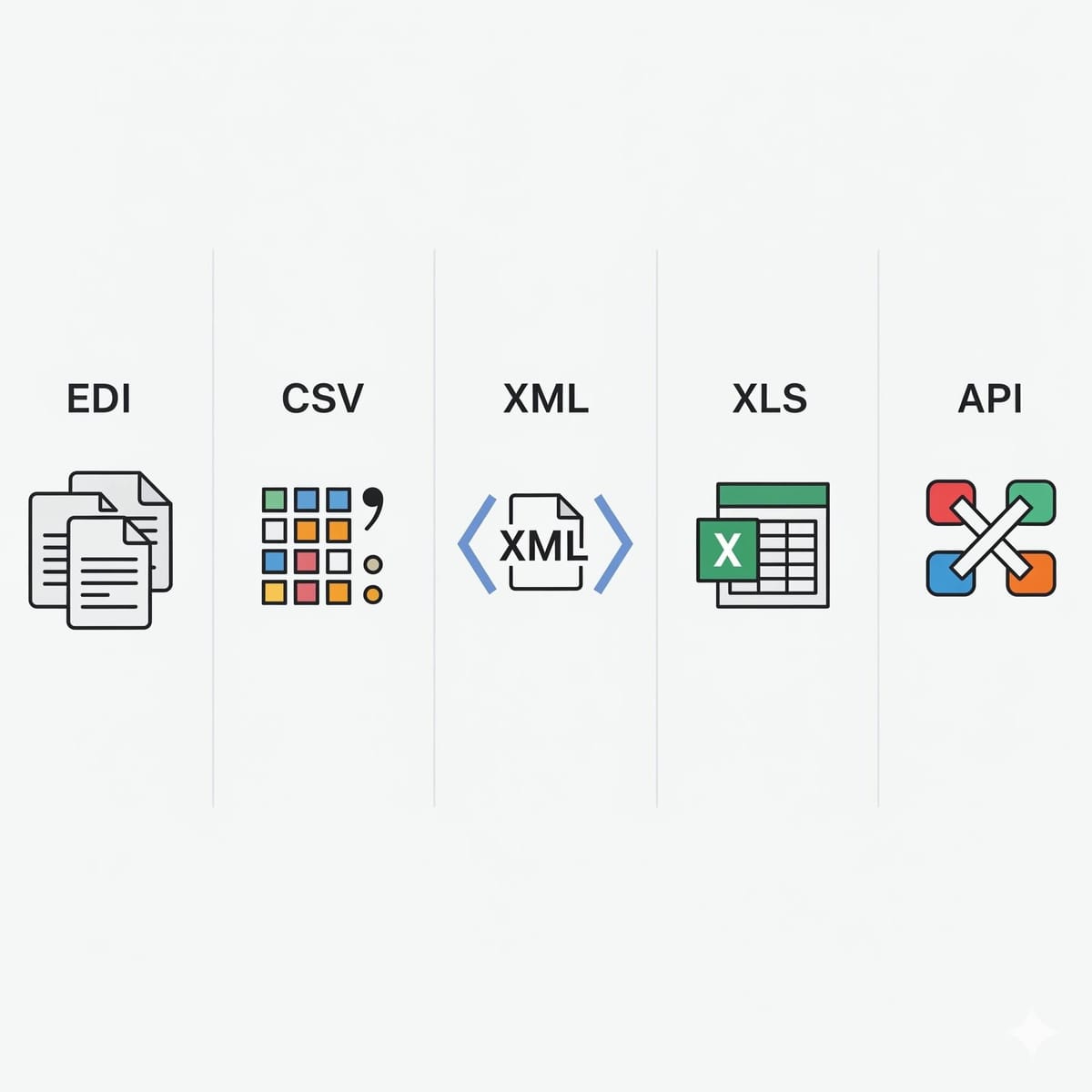
10-Step Validation Checklist for Avoiding Maintenance Code Errors- 1. Normalize Incoming Formats: Standardize all enrollment data (EDI, CSV, XML, positional) into one data model before validation. EDI Sumo delivers this at scale.
- 2. Validate Code Values: Check that only allowed maintenance codes (001, 021, 024, 030, and any program-specific codes) appear. Route exceptions for review.
- 3. Cross-Check Maintenance and Reason Codes: Map valid pairings for adds, changes, and terms. Build this mapping from your companion guide.
- 4. Enforce Valid Dates: Require coverage additions and terminations to have explicit effective dates for the relevant product or benefit row—never guess or autofill.
- 5. Distinguish Levels: Treat INS (member) and HD (coverage) maintenance codes independently to avoid unintended updates.
- 6. Block Overlapping Adds: For every new 021 add, check for active overlapping coverage and handle possible corrections or plan moves with business logic.
- 7. Require Active Coverage for Terms: On a 024, verify there is something to terminate, and ensure the termination does not precede the original start date.
- 8. Separate Audit Records: Never load 030 records into production eligibility tables. Keep them in audit layers for comparison, not updates.
- 9. Track Payer Nuances: Maintain distinct validation rules per payer, customizing to each program’s companion guide.
- 10. Enable User-Level Visibility: Give non-IT teams dashboards and audit trails to review adds, changes, and terms before they impact live systems. EDI Sumo was designed to support this.
When moving a member from one plan to another (for example, HMO to PPO), correctly process a 024 to end old coverage and a 021 to begin new. Failing to handle this as two connected events can lead to dual enrollments or coverage gaps.
Demographic Changes that Accidentally Alter CoverageSometimes a 001 with an address update is misread as a new enrollment or, worse, triggers a termination. Always ensure demographic changes limited to non-eligibility data never impact coverage rows unless specified by the payer.
Audit Files Overwriting Live DataMonthly audit files (030) are sent to compare system-of-record eligibility, not to update. Loading these records live can cause unintuitive results, such as losing date corrections or duplicating coverage rows unnecessarily.
Best Practices for EDI Maintenance Code Management- Standardize your file intake, regardless of original format, using a platform able to support EDI, CSV, XML, and API feeds.
- Document every maintenance rule by payer and keep a reference table for code/intent mappings.
- Build systematic exception handling for any code, reason, or date mismatch. Automate alerts for your Enrollment and EDI teams.
- Ensure business users can review dashboards and audit logs as changes happen, not after claims denial or member complaints. Refer to EDI Sumo for real-time eligibility and audit trail features.
- Update and review validation workflows as companion guides or payer instructions change.
For more insights and practical tools to optimize team workflows, our other resource on features that reduce IT ticket volume can add additional clarity.
Action Steps for CIOs, EDI Directors, and Enrollment Leaders Inventory and Analyze Current Code UseReview a recent sample of enrollment files and tally each maintenance code’s use by payer and program. Identify patterns such as test files containing 030, or overuse of 001 for eligibility change.
Document and Refine Your Processing RulesTrace what happens for each code in your system today. Overlay payer-specific nuance found in companion guides to ensure you are not defaulting to one-size-fits-all rules.
Deploy the Validation ChecklistUse a pre-processing or monitoring layer to apply your validation rules to every incoming file, flagging exceptions for review before loading.
Leverage a Purpose-Built EDI PlatformIf current tools are not flexible enough, explore an enrollment data management platform like EDI Sumo with multi-format support, real-time monitoring, and business-user dashboards. This approach can dramatically lower both IT and customer service effort by making enrollment data visible and actionable.
Frequently Asked QuestionsWhat is a HIPAA 834 file and why do Maintenance Type Codes matter?
The HIPAA 834 is the standard enrollment and maintenance transaction used in healthcare to carry adds, changes, and terminations between sponsors and payers. Maintenance Type Codes in each record (such as 001, 021, 024, 030) tell your system what type of update is intended. If your system misreads these codes, members may end up with the wrong coverage or duplicate policies, impacting both claims processing and customer experience.
Does a 001 code always change coverage?
No. Many payer companion guides specify that 001 should only be used for demographic changes and not for eligibility or coverage date updates. Always reference the guide and ensure your system requires a valid reason or qualifier before allowing 001 updates to impact coverage.
Should 030 audit records ever update live eligibility tables?
No. 030 is reserved for audit or compare records and should be directed to reporting or audit functions, not live eligibility or coverage processing. This prevents accidental overwrites and keeps your system in sync with trading partner intent.
Mastering 834 Maintenance Type Codes is key to protecting enrollment integrity and operational efficiency for health insurance payers. With payer-specific validation, clear mapping of each code, and user-facing dashboards, you reduce rework and increase data quality at every step. EDI Sumo is trusted by leading payers and health plans to standardize enrollment data, deliver pre-configured validation, and give business teams instant visibility across all formats and source feeds. Explore more about advanced EDI file management, or schedule a call for guidance on your next enrollment workflow upgrade.




.png)

.png)


.png)

