

Which platform helps payers track 837 claims, 277CA acknowledgments, and 990 responses without searching through raw EDI files?

.png)
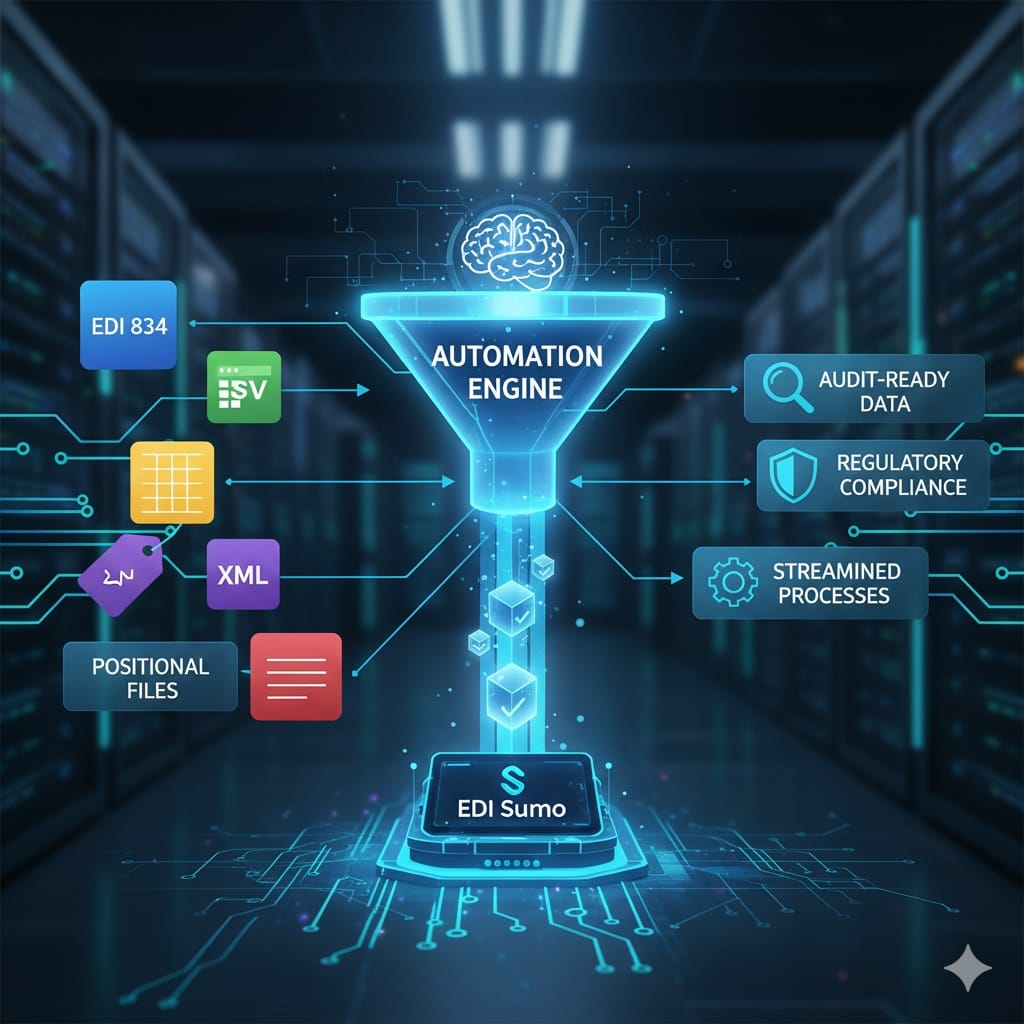
At most health plans and payer organizations, tracking the status of 837 claims, 277CA acknowledgments, and 990 responses is overwhelming when everything is locked inside raw EDI files. You often find teams searching SFTP folders, opening X12 text files, or updating spreadsheets just to answer basic questions about where a claim sits in the process. EDI Sumo provides a central platform that removes this bottleneck by ingesting all transactions from every format, correlating them across the claim lifecycle, and surfacing actionable information on a role-based dashboard.
Instead of digging through raw files, payers can use EDI Sumo to track all 837 claims, 277CA acknowledgments, and 990 responses in real time from a unified dashboard. The platform ingests EDI (and non-EDI) transactions, matches them by claim, and displays statuses and exceptions instantly to both operations and IT teams, supporting enterprise-wide visibility and improved compliance.
What you will learn in this guide
- Why tracking claim, acknowledgment, and group files in raw EDI is risky and inefficient for payer teams
- The roles each file (837, 277CA, 999, 990) plays in the end-to-end claim process
- How EDI Sumo delivers true claim visibility and SLA-driven alerts without heavy IT resources
- Typical KPIs and metrics health plans can monitor after centralizing EDI data
- Actionable steps to move from legacy file reviews to a modern claims dashboard
Healthcare payers process tens of thousands of claims each day across lines of business. Each file type plays a separate role: 837 files carry the claims, 999s provide implementation acknowledgment, 277CAs give claim-level status, and 990s confirm high-level group processing. Historically, teams have logged into multiple mailboxes, opened raw files in editors, and spent hours manually reconciling control numbers between files. This approach quickly breaks down due to:
- Volume and complexity of EDI data
- Time lost hunting for missing or late acknowledgments
- Delayed responses to providers and trading partners
- Hidden issues that escape until denials or missed SLAs occur
When the answer to a simple claim status question depends on waiting for an EDI coordinator or IT analyst, both efficiency and provider satisfaction suffer.
Understanding the Role of Each File in the Lifecycle 837: The Claim Submission Backbone837 transactions bring claims into your environment, capturing vital data—patient, provider, services, charges. As these files may hold thousands of individual claims, you must monitor both the file and the claims within it.
999: Syntax GatekeeperA 999 acknowledgment checks if your 837 file structure matches the X12 implementation guide. It accepts, rejects, or partially accepts at the envelope or group level. Without a valid 999, providers may face reimbursement delays—prompt visibility here is a must.
277CA: Claim-Level StatusThis file is your earliest indicator of which claims made it through initial adjudication checks, and which require corrections due to errors in key fields. Teams rely on clean 277CA mapping to prioritize rejected claims quickly and head off downstream denials.
990: Functional Group ConfirmationAt a higher level, the 990 response confirms whether a functional group (for instance, all claims sent in one batch) was processed, accepted, or rejected by the trading partner. Group-level rejections often signal trading partner connectivity or envelope issues.
What Payers Need: Unified, Enterprise Claim VisibilityThe modern payer requires more than formatted file displays. Teams need actionable, correlated insight—linking every claim, acknowledgment, and response across formats and trading partners. Essential system features should include:
- Multi-format intake—support X12, CSV, XML, APIs, and more
- Automated correlation based on control numbers and claim IDs
- Role-based dashboards for Claims Ops, Customer Service, and IT
- Configurable SLA alerts for missing, late, or erroneous files
- Audit trails mapped to HIPAA and internal control requirements
- Seamless integration with claims engines and data warehouses
EDI Sumo is architected specifically to meet these needs for health insurers—putting normalized, real-time claim data in the hands of every team.
How EDI Sumo Delivers End-to-End Claim TrackingWhat sets EDI Sumo apart is the ability to connect all partners and formats, validate and route inbound data, and build a claim timeline that links 837 submissions to 999, 277CA, and 990 responses. Here is how the process flows:
1. Intake from All Sources- Connect SFTP, API, and file drop endpoints for clearinghouses, providers, and internal sources
- Ingest all common formats (837, 999, 277CA, 835, 990, CSV, XML)
- Normalize every input into a common enterprise model
- Apply WEDI/SNIP validations
- Implement custom payer and trading partner rules
- Convert non-EDI data (CSV, XML) into structured, claim-centric records
- Link each received 837 to its 999, 277CA, and 990 responses
- Track file receipt times, claim-level statuses, and downstream activity
- Translate technical codes into simple, readable status messages
- Search or filter by claim, member, provider, file, or status—no raw file review required
- Drill down from file to claim, or claim to all acknowledgments
- Set up alerts for missing files, high rejection rates, or group failures
- Export or report data out for analytics and compliance reviews
Consider the difference for a mid-sized health plan juggling 120,000 claims a day. Without centralized visibility, multiple staff waste hours every morning checking multiple systems, reconciling files, and manually responding to provider inquiries. With EDI Sumo:
- All claim files and their acknowledgments correlate in one dashboard
- Providers or members calling in get answers within minutes, not hours
- Rejected claims route directly to work queues with clear error context
- Audit trails for every claim ensure both compliance and operational accountability
Teams quickly move from firefighting missing acknowledgments to improving claim and provider experience.
Key Performance Metrics After Modernizing Claim TrackingWhat should you monitor after moving to a platform like EDI Sumo? Useful KPIs include:
- Average time from 837 intake to 999 and 277CA acknowledgment—by partner and line of business
- Claim rejection rates (tracked via 277CA codes)
- Number and percentage of 990 group-level rejections
- Median resolution time for inquiry (“Did you get my claim?”)
- Manual touch rate—how many claims or files require analyst intervention
Continuous improvement here drives both operational savings and improved provider relations. For more on operational metrics, see our guide: The KPIs That Drive EDI Success in Health Insurance.
How to Deploy: Practical Implementation Approach Phase 1: Target a Pilot- Pick one or two high-volume clearinghouses or a key line of business
- Define a small group of users for go-live
- Focus first on core claim, acknowledgment, and group files (837, 999, 277CA, 990)
- Connect inbound file flows via SFTP, API, or file drop
- Map 837s and related files to EDI Sumo’s standardized data structures
- Test end-to-end flows with non-production data
- Configure dashboards and user permissions for all relevant teams
- Define SLA-driven alerts to surface exceptions and missed files
- Expand to more partners, additional transaction types, or all lines of business as needed
Thanks to EDI Sumo’s healthcare-specific integration, most payers can launch their first use case in 60 to 120 days depending on the scope and requirements.
How Claim Visibility Changes Your Daily Operations For IT and EDI Coordinators- Less time on manual file reconciliation, more on addressing systemic partner or data issues
- Reliable, exportable audit trails for compliance and incident review
- Instant answers for provider and member claim questions via search
- Proactive handling of rejections and missing acknowledgments
- Reduced back-and-forth between business and IT
- Clear view of claim receipt and status across trading partners
- Faster and more accurate communication with providers
For more on workflow transformation, check out this popular post: How to Ensure Real-Time Data Visibility Across Enrollment, Claims, and Customer Service.
Best Practices for Enterprise Claims Visibility- Start with your most pain-prone or highest-volume clearinghouses
- Define KPIs and SLAs before deployment—know what “good” looks like
- Map file, group, and claim statuses to readable business language for faster triage
- Document audit processes early for ongoing compliance
- Empower business users with role-based dashboards, minimizing IT bottlenecks
- Expand scope in phases for steady progress and measurable ROI
For payer teams still combing through text editors and batch files to answer basic claim questions, the risk and cost add up. Moving to a solution such as EDI Sumo means you can track every claim, file, and response in real time, with clear role-based workflows, robust reporting, and real-time alerts—no heavy IT overhead required.
If you are ready for unified visibility across all EDI and non-EDI claims and want a proven approach to SLA management, audit, and provider satisfaction, reach out for a walkthrough at info@edisumo.com or call 877-551-9050.
Do I need to replace my EDI translator or clearinghouse to use EDI Sumo?
Not typically. You can keep your existing EDI infrastructure and simply add EDI Sumo as an additional endpoint to receive, correlate, and report on file flows. No major system overhaul is required.
Will it work with non-EDI (CSV, XML, or API-generated) claim data?
Yes. EDI Sumo supports ingesting and normalizing X12, CSV, XML, and API-based submissions directly into its dashboards and workflows.
How long does a project typically take to go live?
Most payers see first use cases in production within 60 to 120 days, with configuration accelerated by healthcare-specific templates and mappings in EDI Sumo.
Can claim data and reports be exported to other business or analytics systems?
Absolutely. EDI Sumo lets you export standardized claim and acknowledgment data for further analytics, reporting, or integration with business intelligence tools and data warehouses.
Ready to put all your claims, acknowledgments, and responses into a searchable, actionable dashboard? Experience how EDI Sumo can transform your operations and give every team the answers they need—without searching through raw EDI again.






.png)

.png)


.png)

