

834 Control Totals: Catching Missing Members Before Enrollment Data Reaches Production

.png)

834 control totals are a health plan’s most effective safeguard against missing members and faulty enrollment data reaching production. By validating QTY segments, auditing all related counts, and reconciling with your source system, you can halt membership defects before they can disrupt claims processing and member experiences. Platforms like EDI Sumo are specifically designed to automate these checks and make enrollment data transparent and reliable.
Summary: Key strategies that prevent missing members from slipping through enrollment processing
- Use 834 QTY transaction set control totals to confirm the exact count of subscribers and dependents before any enrollment file is posted.
- Implement a three layer strategy (envelope counts, QTY member totals, and system-of-record reconciliation) to catch missing members before production.
- Automate balancing with alerts and exception queues whenever control totals deviate from expected results.
- Apply full file “termed by absence” logic and membership audits to ensure no silent drops make their way into production reporting or downstream systems.
- Leverage solutions like EDI Sumo to standardize formats, enforce control totals, and expose discrepancies to business users in real time.
When you manage enrollment for a health, dental, or vision plan, missing members can go undetected until much later—often first spotted only when a claim is denied, member support calls spike, or your audit reveals mismatches in eligibility counts. By this point, recovery is expensive and reputation risk is real. The QTY control totals in 834 files allow payers and administrators to catch discrepancies long before data reaches production, minimizing costly corrections and frustration for members and business partners.
The QTY and envelope control numbers in the X12 834 are the first checkpoint for confirming that all expected members are present and accounted for. Rather than waiting for a downstream system or claims logic to flag issues, using control totals makes missing members a pre-production exception.
What 834 control totals are in practiceThe 834 file format is nested and includes segment counts at multiple levels, each designed to catch different classes of errors. The main control totals include:
- ISA/IEA (Interchange) segments list overall segment totals for the file.
- GS/GE (Functional Group) segments break out functional and batch exchange details.
- ST/SE (Transaction Set) paired segments specify the number of included segments in the transaction.
- QTY segments in the transaction header record the total number of subscribers and, if required, dependents in the file. This represents what the sender believes is the total covered population in that batch.
Most plan companion guides require these QTY segments for enrollment balancing, whether for reconciliation purposes, file acceptance, or end-to-end audit trails. Omitting or ignoring them opens the door for silent errors that travel through to production.
Failure modes control totals help preventControl totals are an automated checkpoint for these common failure modes in enrollment processing:
1. Truncated or incomplete filesAny break in file transfer, incomplete batch, or technical error can truncate an 834 file. The ST/SE and envelope controls catch structural mismatches quickly, alerting the team to a missing segment or group before any records are loaded.
2. Parser or translation failures in specific loopsMember information within 834 depends on proper INS loop nesting. Missing or structurally invalid loops can lead to silent member loss: a translation engine might skip one record, but unless QTY is reconciled with parsed records, those gaps will not be caught until downstream claims are denied.
3. Full file audits and silent drops (termed by absence)Health plans conducting monthly or weekly full file audits often treat a member’s disappearance from the current audit as a termination. Without robust reconciliation (and exception reporting), members can vanish from coverage due to system or data errors, not valid disenrollment, and this can go undetected for months.
4. Source system deficiency and missing required dataMissing IDs, demographic fields, or policy numbers cause rejects in downstream production. However, without counting and auditing QTY control totals, you might miss the pattern or scale of lost members until reports reveal the variance.
Step-by-step process for reliable 834 control total managementBuilding reliable 834 control total workflows does not require reinventing every process. Below is a proven approach payers can use to strengthen their controls, based on real world operational practice and tools available via EDI Sumo.
Step 1: Validate file envelope integrity- Check ISA/IEA and GS/GE control pairs to ensure control numbers match and file structure is intact.
- Review ST/SE sets for correct count of transaction segments. A mismatch signals possible truncation or error and should halt further processing.
- Log any syntax or structure errors using TA1 or 999 acknowledgments, not only for compliance but as an internal quality metric.
- Parse each INS loop to count the number of members, breaking out subscribers and dependents using relationship codes.
- Calculate the membership total as parsed, compare to QTY segment declarations.
- Log and flag variances to ensure nothing is lost in translation or erroneously reclassified.
- Extract the QTY segment(s) and required qualifiers. If separate totals for subscribers and dependents exist, track and audit both distinctly.
- Immediately compare declared totals to parsed membership. Any delta, even +/- 1, must result in exception review.
- Automate this step for every inbound file, not just during initial testing or onboarding. Full automation is core to eliminating silent defects.
- Generate census counts from your enrollment, HR, or administrative system. Break out by plan, product, and coverage tier as needed for granularity.
- Reconcile every batch against inbound 834 tallies. Hold loading or move to exception if counts are mismatched—even for one member.
- This step is essential for monthly and full file audits to pinpoint legitimate terminations from upstream system errors or unexpected silent drops.
- Instead of silent rejection, route invalid, incomplete, or missing member records to exception dashboards or queues, showing exactly what failed and why.
- Notify enrollment operations when variances spike or persist, and automate escalation paths for zero tolerance breaches.
- Report on outcomes for ongoing improvement, not simply compliance.
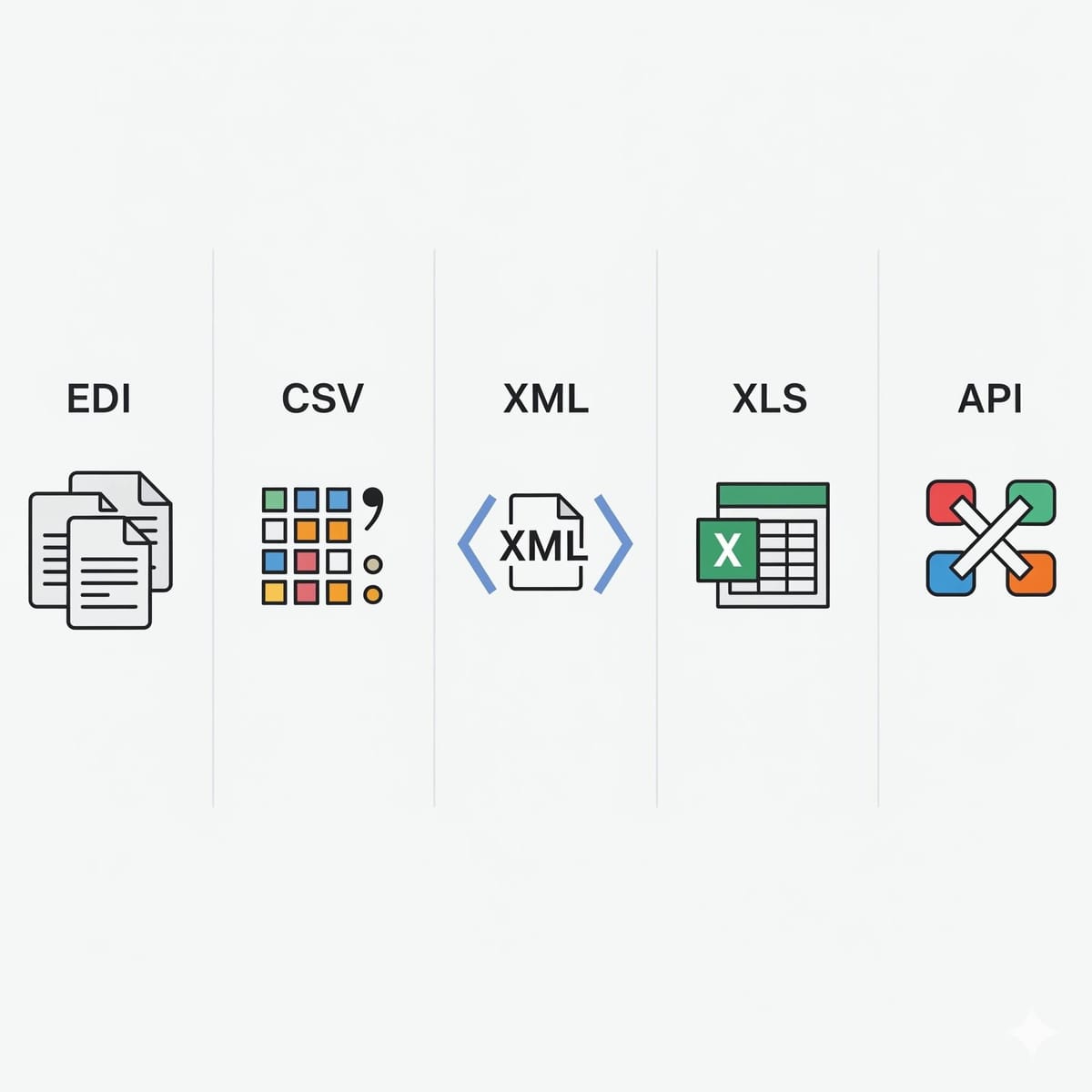
EDI Sumo provides what many payers wish they had: standardized, scalable, and multi-format support for enrollment data controls. Our platform parses EDI 834, CSV, Excel, positionally formatted and XML files, then harmonizes them together for role-based dashboards, real-time monitoring, and exception alerting without burdening your IT teams. With flexible custom validation, you can align every file to your business and compliance requirements—even as those standards evolve. Our approach gives enrollment, claims, and customer service teams instant access to transactional and audit records for fast, clear root cause analysis.
- Automated control total validation for every inbound and outbound 834, across all file types
- Exception flagging and real-time dashboards for visibility into parsed, loaded, and rejected members
- Custom rule configuration so you can match QTY logic to your own or your partners’ companion guides
- Direct integration into leading enrollment, claims, and eligibility platforms—unifying source, process, and reporting levels
Imagine a scenario where a plan receives an 834 full file with 150 fewer members than prior audits. QTY declared 57,000 lives, but after parsing, the count is 56,850. Using EDI Sumo, the enrollment team sees a real-time alert, drills into the report, and discovers those 150 members failed due to missing ID fields. Rather than these members being wrongly terminated or forgotten in production, the team intercepts the issue at the source, working with their trading partner for correction before claims or premium file updates. This is the difference between costly remediation and seamless eligibility processing.
Operational checklist for CIOs, IT, and Enrollment Directors- Mandate QTY transaction set control totals in all production companion guide agreements. Refuse inbound files that lack required totals.
- Layer validations: File envelope, QTY totals, and source system reconciliation across every exchange.
- Automate exception notification and reporting using an EDI management platform such as EDI Sumo.
- Provide operations with daily or per-file comparative reports, outlining every variance, load outcome, and error reason as mapped to companion guides.
- Enforce zero tolerance for discrepancies—resolve before loading to production systems.
- Maintain rolling audit trails and membership comparisons for trend detection and retrospective analysis.
For more on broader EDI operational controls, see our related blog: HIPAA EDI Process Flow: From Eligibility to Claims Payment with Controls That Auditors Love.
Implementing 834 control total improvements—A 30-day action plan Week 1: Assess and inventory- Gather companion guides and internal process documentation for every 834 trading partner. Validate QTY and envelope control requirements.
- Map how your existing workflows handle (or do not handle) QTY, segment counts, and exception routing.
- Document all known gaps and variances that went undetected in recent production runs.
- Add automated checks for segment (SE), group (GE), and interchange (IEA) control numbers. Fail on any mismatch.
- Begin extracting and storing QTY values from each inbound file for comparative reporting.
- Create automated exception logs whenever declared totals do not match parsed records.
- Expose exceptions and outcomes to business users, not only IT or back-office teams.
- Route all discrepancies for review prior to releasing enrollment to production.
- Evaluate a scalable platform such as EDI Sumo for automated reconciliation, dashboards, and audit tracking across all files and partners.
- Pilot with a high-volume partner and tune validation logic as needed; scale up upon success.
For additional tips on EDI error reduction and best practices, see: Automated Error Detection in Health Insurance EDI.
What is the difference between QTY control totals and SE segment counts?
SE segment counts reflect the total number of segments within an individual transaction set, helping you detect file truncation or corruption. QTY control totals, by contrast, declare the specific expected member count and provide a business-level control to ensure no member is silently omitted or excluded. Both are vital but target different forms of error.
Do all payers require QTY transaction set control totals?
No. QTY requirements are documented in each payer’s companion guide; some mandate them, while others focus more on envelope segment counts. Nevertheless, best practice is to require QTY for all inbound data to ensure enrollment consistency and detect missing members proactively.
How does "termed by absence" influence control totals?
When a member disappears from a full file 834 audit, many plans treat this as an implicit termination dated to the last day of prior coverage. By reconciling monthly membership totals against prior files, you can distinguish intentional disenrollments from technical or data-entry errors that lead to silent drops.
Can EDI Sumo help with other EDI file types beyond 834?
Absolutely. EDI Sumo supports eligibility, enrollment (834), claims (837), acknowledgments (999, 277), and enrollment feeds in CSV, XML, and API formats. The platform standardizes control logic and exception reporting for all healthcare insurance EDI scenarios, letting business users see and address defects before they impact downstream operations.
If your health plan is ready to make missed members and silent eligibility failures a thing of the past, schedule a demo or speak with EDI Sumo’s team. Our platform solves enrollment data control challenges for payers of all sizes—visit EDI Sumo for more insights into making enrollment safe and secure.





.png)

.png)


.png)

