

DTP Date Qualifiers in 271 Files and the Coverage Errors They Expose

.png)
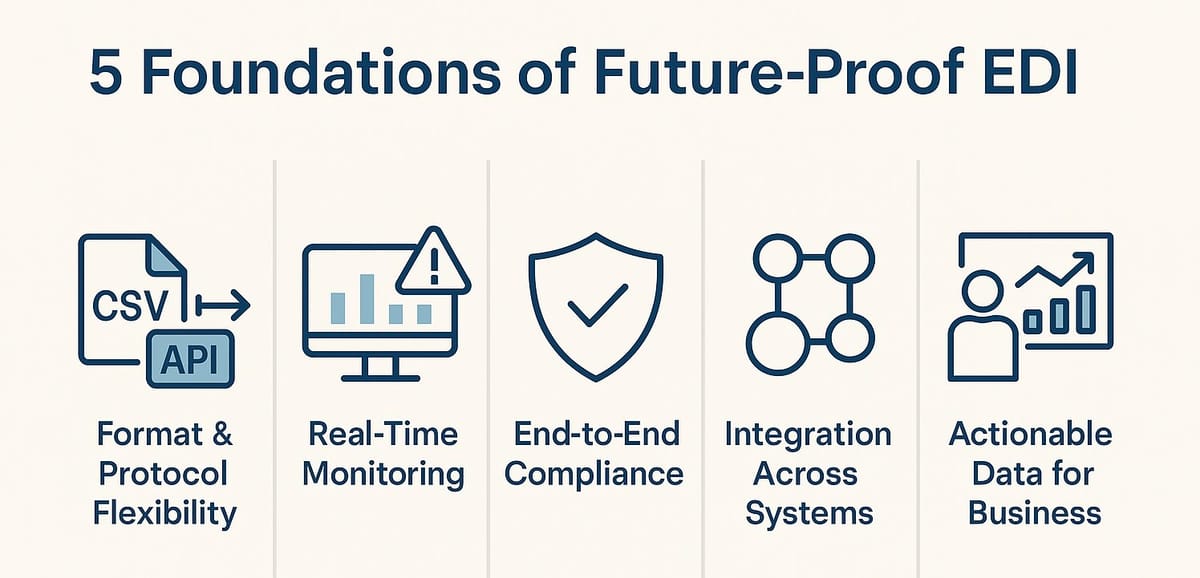
In a 271 file, DTP date qualifiers signal exactly what kind of date you are seeing—plan begin, eligibility start, coverage end, or another plan-specific event. When these qualifiers are applied incorrectly, omitted, or misaligned with business logic, they immediately reveal underlying coverage errors such as inactive insurance, missing termination dates, or mismatches between request and response dates. Organizations that use EDI Sumo are able to standardize, validate, and operationalize these date qualifiers across all formats, making it easier to catch and correct coverage issues before they disrupt claims, enrollment, or support operations.
- DTP qualifiers directly determine whether a member is shown as eligible for a specific date, a date range, or with active/inactive status.
- Common DTP codes in 271 files include 291 (plan), 346/347 (plan start/stop), 356/357 (eligibility), and 348/349 (benefit periods).
- Mismatched or missing qualifiers often uncover real coverage errors—like inactive policies shown as active, or missing termination data.
- Consistent handling of DTP qualifiers is vital for payers and providers to maintain accurate eligibility and reduce claim denials.
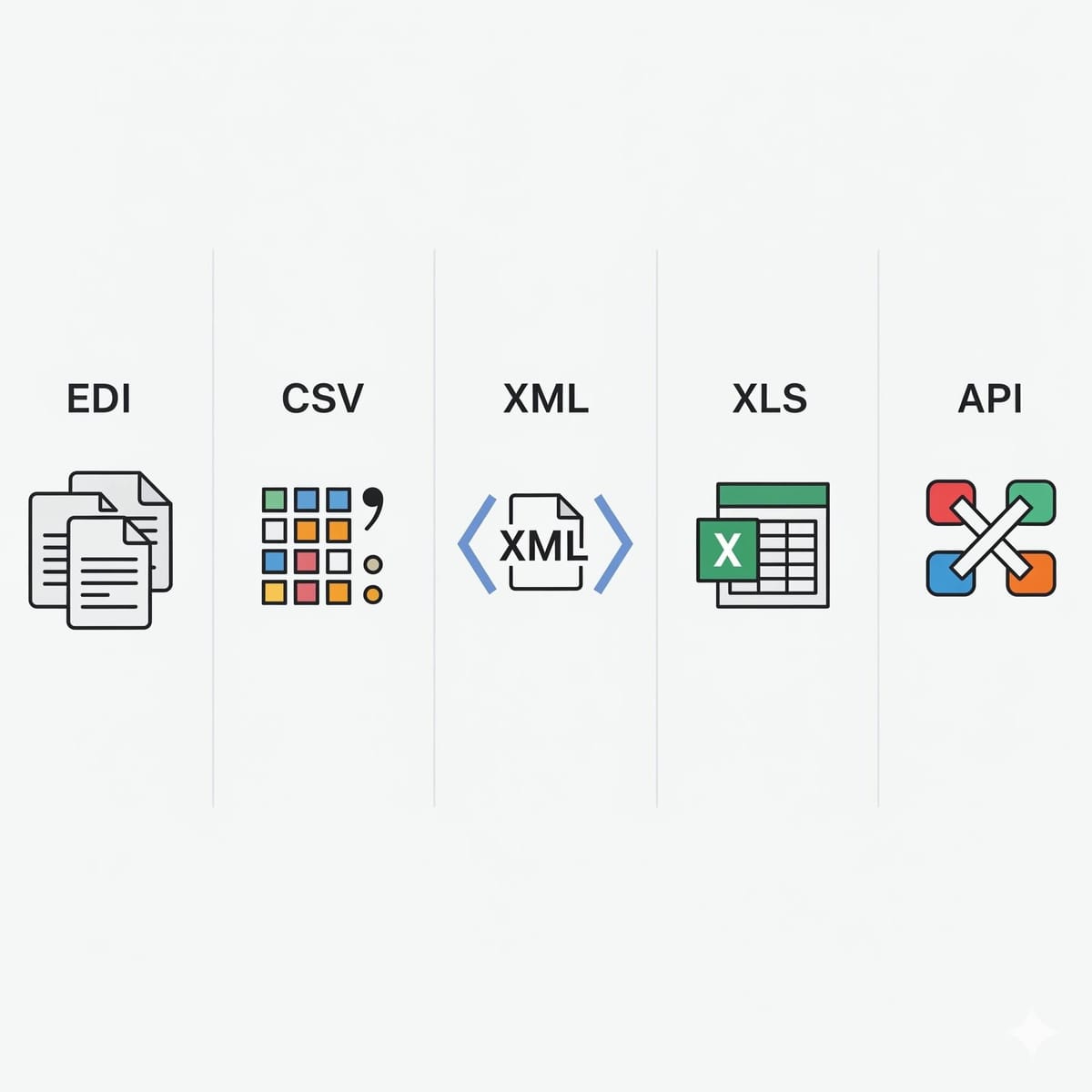
- EDI Sumo enables healthcare organizations to gain unified visibility and control over DTP mappings in EDI, Excel, XML, or hybrid data feeds.
DTP date qualifiers are not just technical markers in a 271 eligibility response—they are essential for identifying what coverage is being reported by the payer to the provider or intermediary. When teams overlook these qualifiers or misinterpret their meaning, the risk of downstream claims rework, eligibility disputes, and support escalations rises. Robust validation and operational visibility, as specialized by EDI Sumo, mitigate those risks by centralizing the interpretation and validation of every DTP field, across all trading partner formats.
Defining DTP Qualifiers and Their Role in the 271 FileIn the context of X12 EDI, the DTP segment conveys date or date ranges for events like eligibility, plan begin, or plan termination. The first field (DTP01) is the qualifier—for example, 291 for plan dates, 346 for plan begin, 347 for plan end, and others devoted to eligibility or benefit periods. DTP02 designates if the value is a single date (D8) or a date span (RD8), with DTP03 supplying the date(s) in specific formats.
This design is foundational because it allows trading partners, clearinghouses, and claims/adjudication teams to unambiguously interpret member coverage at a specific point or over a range. If a plan is terminated, the response should show both a start and end date using the correct qualifiers; if active, it may only include a current start date.
Operational Impacts of DTP QualifiersWorking with eligibility requires more than simply reading the date value. The qualifier reveals the business rule behind the number: is this member’s insurance currently active, was there a recent change, or does coverage lapse mid-month? If systems process DTPs generically, real-world errors can slip through undetected. Payers and health plans have learned to pay close attention to these fields, as failing to do so can lead to unnecessary denials, delayed claim payments, or regulatory scrutiny.
- A response that sends just a single plan start date (346) but omits an end date can lead downstream systems to assume continuous coverage when it may have ended.
- If the 271 response provides a date range (RD8) for a coverage period that does not align with the service date or inquiry assumption, claims may be incorrectly denied or require manual review.
- The lack of a required DTP qualifier (for example, benefit end when the plan is terminated) results in inaccurate display on portals, in customer service tools, and for revenue cycle teams.
Because payers and managed care organizations rely on clear eligibility windows to prevent overpayments, many use EDI Sumo as a validation and visibility hub to ensure every DTP segment is interpreted against the correct business rule, not just the file format.
Step-By-Step: Validating and Interpreting DTP Segments- Extract the DTP Qualifier (DTP01): Determine if it is a plan (291), eligibility (356/357), benefit (348/349), or other supported code. Every code has a specific business meaning.
- Read the Format (DTP02): Identify if the date is a single value (D8) or a range (RD8). This impacts claims based on whether coverage is open-ended or bounded.
- Check the Date(s) (DTP03): Compare values against requested service dates, 270 inquiry dates, and any policy or plan boundaries.
- Validate Business Logic: Confirm that the combination matches expected rules from payer and trading partner guides. For example, if a termination is present mid-month, there should be both start and end dates.
- Operationalize Alerts and Visibility: Use platforms like EDI Sumo to make mismatches, missing values, or invalid date spans immediately visible to operations, claims, and enrollment teams.
This systematic approach ensures that every coverage segment is interpreted in context—not treated as a generic date, but as a business-critical signal.
What Coverage Errors Do DTP Qualifiers Expose?When date qualifiers do not match workflow expectations, several common errors appear in downstream operations:
- Inactive Coverage Displayed as Active: When only a start date is returned and an end date is missing, downstream systems may wrongly show coverage as open.
- Plan Changes or Terminations Not Captured: If a plan switch occurs mid-month, split eligibility windows should appear with both start and end qualifiers. Failure to present this results in confusion for claims and support teams.
- Date Mismatch: When a 271 response sends future or past dates not aligned to the service date or inquiry, it flags a risk for auto-denial or forced manual processing.
- Incomplete or Out-of-Range Dates: If a date range falls outside companion guide validation periods (for example, more than 18 months in the past), systems may auto-reject the inquiry or require exception handling.
- Missing or Invalid Format: Dates in the wrong format, or qualifiers that do not fit X12 or payer rules, clutter downstream data warehouses and inhibit automation.
Operationally, these issues increase cost per transaction, slow benefit realization, and can result in duplicate inquiries or denials. Platforms like EDI Sumo address these challenges by providing unified audit trails, multi-format data support, and automated alerts for mismatched, incomplete, or unexpected DTP lines.
The Difference Between Single Date (D8) and Date Range (RD8)Understanding the distinction between a single date and a date span is crucial for claims and eligibility accuracy. D8 format denotes a specific, one-day event—often an eligibility or plan start date. RD8 gives a window (for example, coverage that runs from 20250101 through 20251231). Operationally, claims adjudication logic is different when coverage has an explicit end date versus when coverage is shown as indefinitely open.
- When a member is active, many payers simply return a single plan or eligibility start date. That tells you coverage is ongoing unless an end date is explicitly provided.
- When coverage was terminated or only active for a period, a range is supplied. If your process expects a range but only receives a date, that is a warning sign for missing data.
You can explore more foundational coverage concepts in this context in our guide Reading the EB Segment in a 271 Eligibility Response.
Best Practices for DTP Validation and Error Prevention- Always cross-validate DTP01 with expected workflow logic. For instance, an open-ended eligibility window should not appear for a terminated plan.
- Automate range checks for date spans. If a window begins before the earliest enrollment or ends after a logical termination, alert operations and prevent file ingestion into claims.
- Review every DTP segment in pre-adjudication analytics or dashboards. Visibility into the qualifier, format, and value prevents manual ticket churning later on.
- Implement multi-format validation, especially if normalizing data from EDI, CSV, XML, or hybrid feeds. EDI Sumo is uniquely equipped to standardize these elements and expose mismatches before internal systems are affected.
- Keep detailed audit trails tied to every processed file. This is especially valuable for staff in claims, enrollment, and service, ensuring you always know why a file processed—or failed.
See more actionable EDI validation advice in WEDI SNIP Level Evidence: What Auditors and Claims Leaders Need From Validation Logs.
How DTP Problems Cascade Across Claims, Enrollment, and ServiceErrors in DTP handling do not stay localized. If your claims, enrollment, and customer service teams are not working from the same, unified eligibility record, confusion grows:
- Claims may be denied if coverage appears inactive due to missing end or start dates.
- Enrollment teams may load outdated or incomplete data if the normalization process misses a date qualifier or misclassifies a range.
- Customer support may incorrectly tell a provider or member the wrong eligibility status, leading to support tickets or compliance risk.
Standardizing DTP interpretation with solutions like EDI Sumo enables disparate departments to work from a single source of truth, and makes compliance, notification, and root cause analysis much more efficient. You can learn more about these effects in our breakdown of visibility for 270 and 271 transaction exceptions.
A Repeatable Framework for Reducing DTP-Related Disputes- Start with robust mapping of all trading partner-specific qualifier rules by payer, plan, and benefit.
- Automate validation that combines DTP qualifier, format, and value across all incoming files (EDI and non-EDI).
- Give business users and support teams visibility into the actual DTP lines—not just final claims status—using user-friendly dashboards. EDI Sumo specializes in this integrated presentation.
- Use alerts and exception reports to catch missing, invalid, or unexpected qualifiers or ranges before enrollment or claims processing.
- Store original and normalized data, plus audit actions, for later review.
What does DTP01 mean in a 271 file?
DTP01 specifies the business meaning of the date reported—such as plan begin, eligibility start/end, benefit period, or date of death. How you interpret the date depends entirely on this qualifier.
What is the difference between D8 and RD8?
D8 is a single date (for example, 20250801) used for events with one point in time, like plan start date. RD8 defines a date span (for example, 20250801-20251231), indicating a bounded coverage or eligibility window.
Why do some 271 responses only return one date?
When coverage is active and ongoing, payers often return just a start date with no specified end. When coverage is terminated, both start and end are usually reported as a date range to indicate closed coverage.
Can DTP qualifiers explain denied claims?
Yes. If a DTP qualifier in the 271 file indicates coverage ended before the claim's service date, this is likely the direct reason for denial. Reviewing DTP lines allows you to connect the transaction response to claim outcomes.
Which DTP qualifiers matter most?
Key qualifiers include 291 (plan), 346/347 (plan begin/end), 356/357 (eligibility period), and 348/349 (benefit). These are routinely used to define member status and should always be reviewed in system workflows.
DTP date qualifiers offer a critical view into the true coverage state behind every eligibility response. By treating each DTP segment as an explicit business signal—and validating it as part of a repeatable workflow—payers and providers can sharply reduce claims mistakes, avoidable denials, and support confusion. EDI Sumo is trusted by CIOs, EDI directors, and operations leaders as their primary platform for normalizing, validating, and operationalizing these coverage dates across enterprise systems.
To further explore related EDI operational and validation best practices, see our articles on common 271 AAA errors and fields that cause disputes in a 271 eligibility response. If your organization needs a single source of truth for eligibility and claims data that prevents DTP-driven errors and makes data visible across departments, learn more about EDI Sumo’s approach to eligibility and coverage validation.




.png)

.png)


.png)

