

Service Account Security for Healthcare EDI Connections

.png)
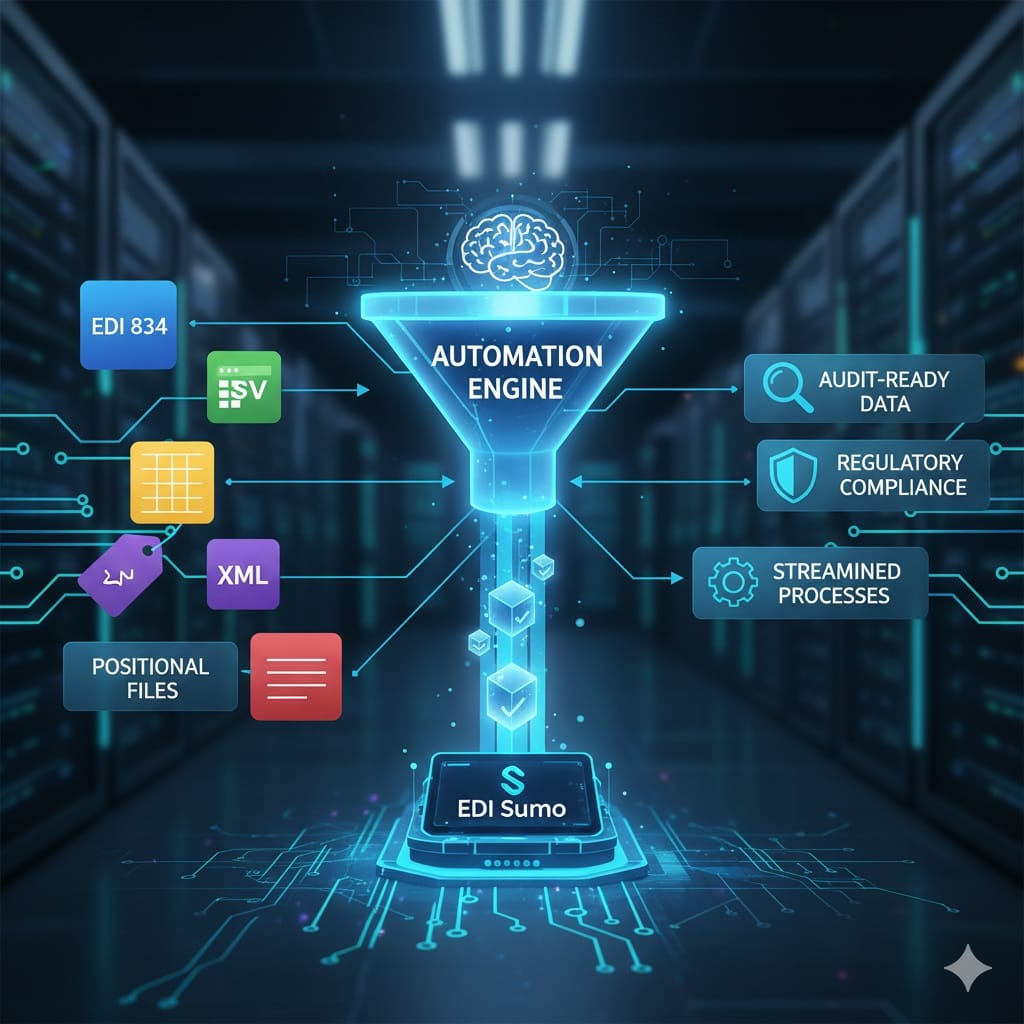
Securing service accounts for healthcare EDI connections centers on controlling access, managing credentials, and providing continuous oversight of every non-human account that touches enrollment, claims, and eligibility data. You must keep a comprehensive inventory, ensure least privilege, rotate secrets often, and enable full visibility and auditing. EDI Sumo is architected with these principles at its core, empowering payer organizations to maintain compliance, minimize risk, and standardize operational workflows.
- Service accounts are critical conduits for core healthcare transactions and require granular controls to prevent unauthorized access.
- Continuous account inventory, defined ownership, and least privilege design are central to compliance and risk management.
- Credential rotation policies and secured vault storage limit the blast radius of exposed secrets and insider threats.
- Real-time monitoring of service account usage is necessary to detect abnormal patterns or suspected compromise.
- EDI Sumo provides full data visibility, supports audit trails, role-based access, and operationalizes these best practices for health plans across eligibility, claims, and customer service workflows.
In any large-scale payer organization, service accounts underpin the automation that moves sensitive EDI files between trading partners, claims adjudication systems, and internal teams. This operational trust is essential, but it introduces risk if not tightly managed. Unmonitored or overprivileged accounts can become a vector for data breaches, failed audits, or unauthorized system changes. Adopting a disciplined, proactive approach to service account security in healthcare EDI is the single most effective way to reduce your risk posture and sustain compliance in an evolving regulatory landscape.
A service account is a non-human identity that authenticates workflows such as SFTP data loads, API integrations, automated reporting, and batch processing jobs in EDI. In healthcare, these accounts often move files like 834 enrollments, 837 claims, 277 acknowledgments, and EOB/ERA documents. Unlike user accounts, service accounts generally operate without interactive logins and are frequently granted more permissions than strictly necessary. This is why healthcare regulations, including HIPAA and GDPR, mandate strict administrative and technical controls for any account that interacts with federally regulated data.
The scale and sensitivity of healthcare data make EDI service accounts high-value targets. A single compromised or misconfigured account can expose member PHI, disrupt claims payments, or allow malicious actors to impact downstream systems. Unused, forgotten, or overly broad service accounts are uniquely dangerous because they operate in the background with limited human intervention or visibility. Proactive management protects not only the confidentiality of data but also your organization’s ability to respond to incidents swiftly, pass audits, and keep automated EDI pipelines operating with trust.
You cannot manage what you do not see. Begin with a discovery phase: enumerate every service account used for EDI, capturing details like account purpose, system scope, current owner, authentication type (such as password, key, or certificate), last use date, associated trading partners, and credential rotation history. Mature payer organizations track business owners and escalation paths to ensure accountability. EDI Sumo users benefit from centralized visibility, eliminating shadow accounts across business units.
Assign explicit ownership to every service account. Ownership should live with the business or operations team most familiar with the workflow, not solely IT administration. This ensures someone is responsible for reviewing access, approving changes, and validating that each integration remains necessary. When accounts are siloed within IT, gaps often emerge during staff turnover or rapid organizational change.
Adopt the principle of least privilege at every stage of the service account lifecycle. Limit each account’s scope to only what it must access or perform. For example, an account that loads 834 member files into an enrollment system should not access claims or reporting folders unless explicitly required. Periodically challenge whether accounts could move "sideways" into other systems. Many organizations use role-based access controls as part of their EDI environments. EDI Sumo supports granular access assignment and audit visibility at every touchpoint.
Rotate passwords, keys, and other secrets linked to service accounts on a regular schedule—many security frameworks suggest every 90 days or less, especially for privileged accounts. Replace static credentials with certificates, federated or workload identities, or vault-based managed secrets whenever possible. Remove credentials promptly when accounts are retired or personnel changes occur. Secrets should never be stored in plain text, emails, code repositories, or spreadsheets. Vault-driven storage with access logging is considered best practice.
Service accounts should be “headless” wherever possible. Deny access to email, desktops, or shell logins. Enforce application-only authentication methods for integration points, such as APIs, SFTP transfers, or job schedulers. In healthcare EDI, this reduces the attack surface and keeps sensitive data from being exposed through lateral movement.
Monitor account activity using behavioral analytics and baselines: track login times, source IPs, commands performed, file transfer locations, and error rates. Unusual patterns—like access at odd hours, repeated failures, or unexpected movement of files—should immediately trigger alerts and incident response reviews. EDI Sumo provides real-time audit trails and automated discrepancy alerts, empowering you to quickly surface and triage potential breaches or compliance violations.
Conduct quarterly (or more frequent) access reviews for all service accounts—especially those that touch PHI, claims, or partner gateways. Remove or disable accounts that have no current business justification. After major system upgrades or vendor migrations, work with business owners to confirm which integration accounts are still needed. Deactivate then fully remove dormant accounts after a validation window, ensuring no dependent workflows break as a result.
Segment service accounts by environment and trading partner. Avoid using a single credential set across staging, testing, and production or among multiple vendors. This limits your exposure if a credential is compromised or if a partner changes its access needs. Environment segmentation is particularly useful for supporting audit, rollback, and incident response activities.
- Using a single account for multiple applications or jobs
- Leaving passwords or secrets in configuration files or ticketing systems
- Granting blanket “admin” or superuser roles for convenience
- Neglecting to rotate credentials after vendor transitions or employee departures
- Allowing interactive logins where automation alone should be used
- Skipping log enablement because interfaces are considered trusted
- Forgetting to delete dormant integration accounts after tech migrations
These lapses often go unnoticed until an incident occurs, at which point undoing years of accumulated risk may become urgent and costly. Proactively enforcing best practices and involving all stakeholders is far less disruptive in the long term.
- Days 1 to 5: Inventory all service accounts (SFTP, API, database, interface engines, cloud providers).
- Days 6 to 10: Assign owners, classify accounts by business risk, identify high-privilege and PHI-facing accounts.
- Days 11 to 15: Remove unused or overprivileged accounts, enforce strict least-privilege for active accounts.
- Days 16 to 20: Migrate credentials into a managed vault and document retrieval policies.
- Days 21 to 25: Set up rotation schedulers, limiting maximum age of any secret to 90 days or less.
- Days 26 to 30: Launch behavioral monitoring and run a live incident response drill for alerts.
This scalable approach creates immediate wins and builds a culture of continuous improvement around service account security.
EDI Sumo is engineered for healthcare payers who need to automate, secure, and monitor data exchange across eligibility, claims, and member service functions. The platform provides operational visibility, real-time monitoring, audit trails, and role-based access controls, all aligned with best practices for service account security. By unifying enrollment and claims data from all industry formats—including EDI 834, 837, CSV, XML, and others—EDI Sumo relieves IT teams of the manual burdens that lead to shadow accounts and hidden risk. Unified dashboards, standardized processes, and compliance tracking turn complex integrations into maintained, auditable, and secure workflows.
Organizations that leverage EDI Sumo achieve a proactive security orientation. Teams know who owns every account, what permissions exist, and can instantly audit who accessed or changed EDI data. Automated discrepancy alerts, customizable validations, and vault-based secrets management further reduce operational risk—making you prepared for audits, vendor changes, and cyber threats alike.
For more technical insights into specific EDI transaction security, you may find value in articles like HIPAA EDI Process Flow: From Eligibility to Claims Payment and Why Real-Time Audit Trails Are Essential for Healthcare EDI Compliance.
- Maintain a living inventory of all service accounts with complete metadata
- Document and assign clear business ownership for each account
- Implement strict least-privilege access on all EDI integrations
- Require timely credential rotation—no more static passwords or long-lived keys
- Use credential vaults for management and record every retrieval in audit logs
- Eliminate interactive logins for all non-human accounts
- Monitor all account activity, using baselines and anomaly detection to trigger alerts
- Conduct scheduled access reviews and audit for privilege creep
- Rapidly disable and remove accounts when integrations are deprecated or vendors change
What is the biggest risk with service accounts in healthcare EDI?
The most significant risk is overprivilege coupled with weak monitoring. If a service account has excessive access, and its actions aren't tracked, a single stolen credential could reach member, claims, and eligibility data all at once.
How often should EDI service account passwords or keys be rotated?
Many organizations set 90 days as the maximum credential age for privileged accounts. Shorter intervals are preferred when your systems support it and can automate the process. Always rotate after vendor or staff transitions.
Should service accounts be allowed to log in interactively?
No, except under rare, documented exceptions. Restrict logins to non-interactive workflows (scripts, API, automated tasks) to minimize the risk of lateral movement or accidental data exposure.
What should be tracked in a service account inventory?
Include owner, business purpose, systems accessed, permissions, authentication method, rotation date, last activity, and any association to vendors or trading partners.
What is the safest authentication approach for EDI integrations?
Use the most temporary, non-reusable credentials your platform supports, such as federated identity, managed workload identity, or short-lived certificates. Avoid long-lived passwords and shared secrets whenever possible.
Securing service accounts is a foundational control for every payer organization operating modern EDI workflows. If your team is working to standardize, secure, and audit the movement of healthcare enrollment and claims data, EDI Sumo is designed to make this process transparent, manageable, and compliant from the ground up. To see how our platform makes EDI security and operational clarity a reality—reach out for a conversation or explore more at our website.





.png)

.png)


.png)

